
Mindbody and Keap: Stop Recreating Client Data in Keap by Hand

Ask any studio owner who switched their marketing to Keap in the last two years how the first month went. They will tell you about the spreadsheets, the imports, and the slow, draining work of recreating every client detail by hand. Goals, injury history, package balances, milestone dates. All of it already lived in Mindbody, and all of it had to be rebuilt from scratch.
If you run a high-touch personal training studio, each trainer tracks 8 to 15 details per client: goals, body composition, injury history, training preferences, dietary notes, milestone dates, equipment they have at home, schedule constraints. Mindbody holds every one of those. Keap, on its own, starts empty. Someone has to recreate each one, decide how it should look, label it, and then connect it back to Mindbody so it actually fills in.
That work is slow. A diligent trainer can set up maybe four of these details an hour once you count the building, the connecting, and the test imports. Multiply that by 15 details, then by however many trainers want their own view, and the setup alone runs into days. Most studios give up halfway through and end up with a half-populated Keap that nobody trusts.
Here is an illustrative example. Granite Bay Personal Training (a hypothetical studio), a single location with 5 trainers and 140 high-touch clients, tried this manually twice. Both attempts collapsed at the setup step. The trainers spent their lunch breaks for two weeks rebuilding client details by hand, hated it, and went back to using Mindbody for everything plus a side spreadsheet for goal tracking.
What Your Keap Account Looks Like on Day One
CRMConnect Mindbody to Keap sets up the client details for you. During setup it builds the essentials that a wellness business actually runs on, with no manual configuration required.
On day one, your Keap account already knows, for every client:
- Who they are and where they came from: their Mindbody history, current membership status, total visits, last visit date, the service they took, and which staff member they saw.
- Where they stand on packages: membership expiration, sessions remaining, contract details, and whether auto-pay is active.
- What they have bought: intro offer history, their last purchase, the amount, and the date.
- How engaged they are: first visit date, total lifetime visits, and lifetime revenue.
It goes further than a standard set. The details unique to your studio also come across. If your personal training studio has been tracking client goals in Mindbody (weight loss, mobility, strength, sport-specific, post-injury), that exact information lands in Keap automatically. Nobody types it into a Keap dropdown by hand.
So a trainer who opens a client record on day one sees the client’s goals, their injury notes, their preferred training days, the package they are on, sessions remaining, total visits, last visit, and next appointment. Everything they had been tracking on a spreadsheet, now in the tool that runs the marketing.

Why the Data Stays Useful, Not Just Accurate on Day One
Day one is the easy part. The hard part is the next 12 months, when clients buy new packs, hit milestones, change goals, and update their preferences. A client detail that is right today and stale next month is worthless. The ones that stay current are the ones that actually drive your follow-up.
CRMConnect keeps everything current on its own. When a client buys a new 12-pack, their package name, sessions remaining, and last purchase all update right away in Keap, and they get tagged for the right campaigns. Any renewal reminder, milestone congratulation, or trainer follow-up you have set up sees the change and acts on it. No one is updating anything by hand.
The client details stay useful because they stay current. That is the whole point.
How Trainers Get Their Own Working Lists
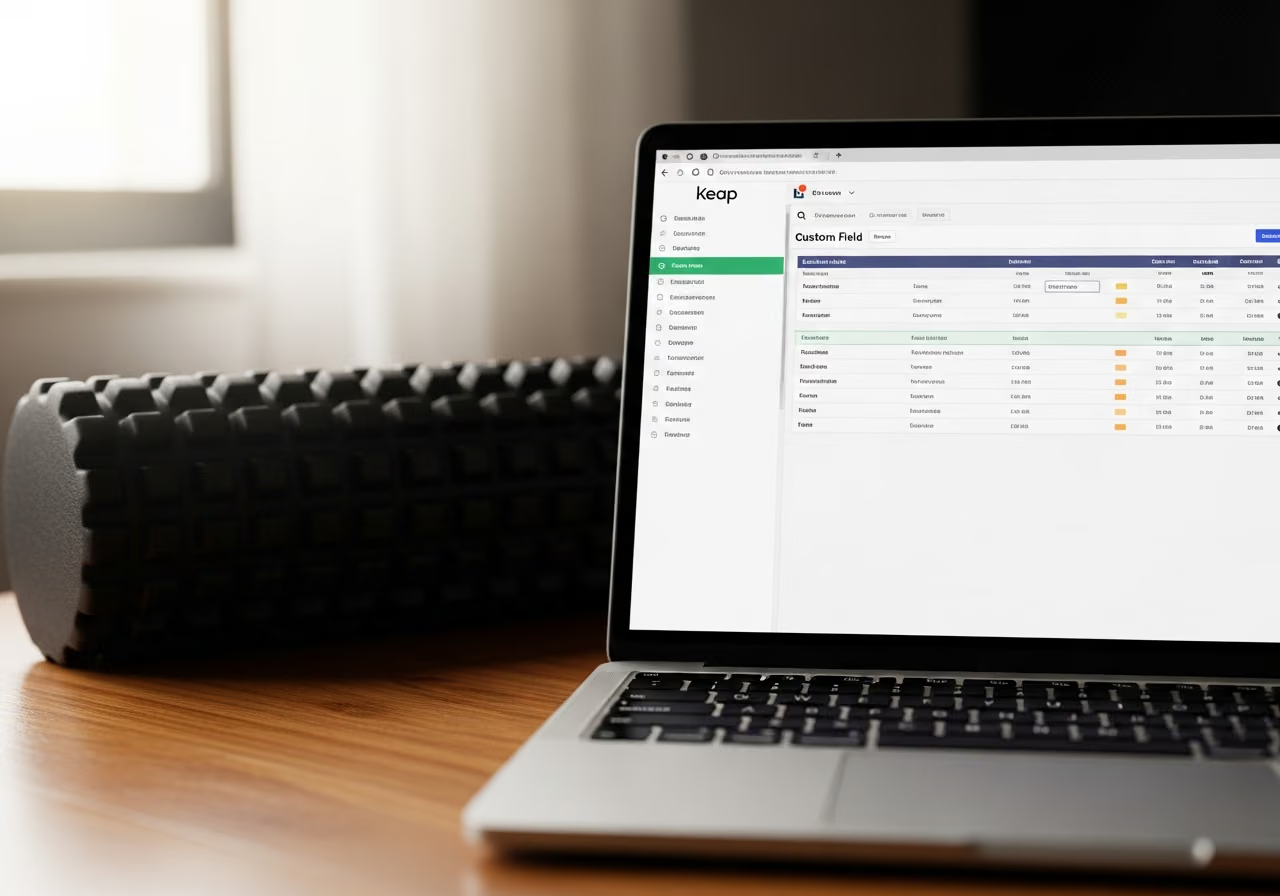
With every client detail in place, each trainer can build their own views in Keap, no technical work required.
A trainer’s daily list shows their active clients, sorted by next appointment. New clients appear automatically. Clients who lapse drop off on their own.
A renewal list shows clients with three or fewer sessions left, grouped by trainer, so each trainer sees their own renewal pipeline.
A milestone list flags clients who have hit 100 visits but have not been celebrated yet. That drives the automatic congratulations and gift-card send that becomes the studio’s retention ritual.
An injury-watch list shows clients with active injury notes who trained in the last week, so the head trainer can scan for anyone who needs a follow-up form-check conversation.
None of this needs technical setup. None of it needs the trainers to keep spreadsheets. The details fill themselves in. The lists update themselves.
What This Means for Your Studio
In an illustrative deployment at a studio of this size, the manual setup work that a do-it-yourself approach usually demands (4 to 6 hours per trainer across 5 trainers, plus 8 to 12 hours of admin work) collapses to roughly an hour of configuration. That is somewhere around 30 to 40 hours of trainer and admin time recovered immediately, just at setup.
The savings keep going after that. When you launch a new program, you do not have to go back and rebuild anything. A new “Mobility Mondays” workshop in Mindbody flows into Keap automatically as people buy it, with nobody touching Keap.
For Granite Bay, the real win was the trainers using Keap for the first time. After two failed manual setups, the third attempt stuck because the trainers did not have to do the setup themselves. The clients they had been tracking on side spreadsheets came across with their goals and injury notes intact.
These numbers are illustrative. The time you save depends on how much client detail you already keep in Mindbody and how consistent that information is.
Want to see CRMConnect Mindbody to Keap in action? View the API App page.
Keep reading

The Gap Between "I Paid" and "I'm Booked"
A customer buys a class pack on Shopify, then can't figure out how to book it. Here's how a Mindbody booking widget and ShopConnect close that gap for good.

Mindbody and HighLevel: One Clear Schedule Per Student Across Every Program
If your studio runs beginner programs, longer courses, and private lessons at once, here is how your reminders finally match what each student actually has booked.

Mindbody and Klaviyo: Per-Location Marketing for a 6-Gym Strength Network
A central marketing team sending one blast to every member of a 6-gym network gets the coach name and the gym address wrong half the time.