
Mindbody and Keap: Per-Location Reporting for a 4-Site Gym Network

A 3-person marketing team at a 4-location boutique gym is, in practice, a 1.5-person team once you account for ad management, content, and weekly meetings. Whatever time is left is supposed to cover per-location reporting for four different general managers, each of whom wants to know how their gym is doing this week and how that compares to last month.
Without proper per-location data in your marketing tool, that reporting looks like this: pull four separate exports out of Mindbody, open four reports, cross-reference everything in a spreadsheet, build four mini-dashboards, send four emails, then do it again next week. Each cycle eats 4 to 6 hours of one marketer’s week. Over a year that is 200 to 300 hours of pure reporting overhead with nothing creative to show for it.
Here is an illustrative example. Ember Athletic (a hypothetical gym network), 4 locations, 2,100 total members, central marketing team of 3, was running exactly this. The marketers were burning out. The general managers complained their location’s data felt like an afterthought. The owner kept hearing “we need a data analyst” and resisting, because that is a $90K hire.
The right answer is not a data hire. The right answer is having each location’s data land in Keap correctly so reporting becomes a quick saved search, not a manual export chore.
How Site Identity Travels Into Keap
CRMConnect Mindbody to Keap supports multiple Mindbody locations under a single Keap account. Every member record carries which gym is their home location and a list of every gym they have visited or bought at. When a member buys a class pack, the location of that purchase is captured too. A 10-pack bought at Eastside is recorded differently from the same pack bought at Downtown.
So a member who joined at Downtown and started visiting Eastside three months later has one Keap record that knows both: Downtown is home, Eastside is where they trained most recently, and every visit and purchase carries its location with it. One member, one record, full picture.

One Keap Account, Not Four
The tempting move is to give each location its own Keap account. Do not. You lose the cross-location member view (one of the few things Keap genuinely does well), you pay four times the licensing, and you have to reconcile cross-site memberships by hand.
The right setup is one Keap account with location-aware saved searches and per-location campaigns.
A per-location lapsed-member view shows each GM only their own members who have not visited in 14 days but still hold an active membership. Each GM gets their own bookmarked link.
A per-location welcome sequence is one campaign with four versions, each tied to a location. The Downtown welcome names Downtown instructors and class times. The Eastside welcome names Eastside details. Same skeleton, location-aware content.
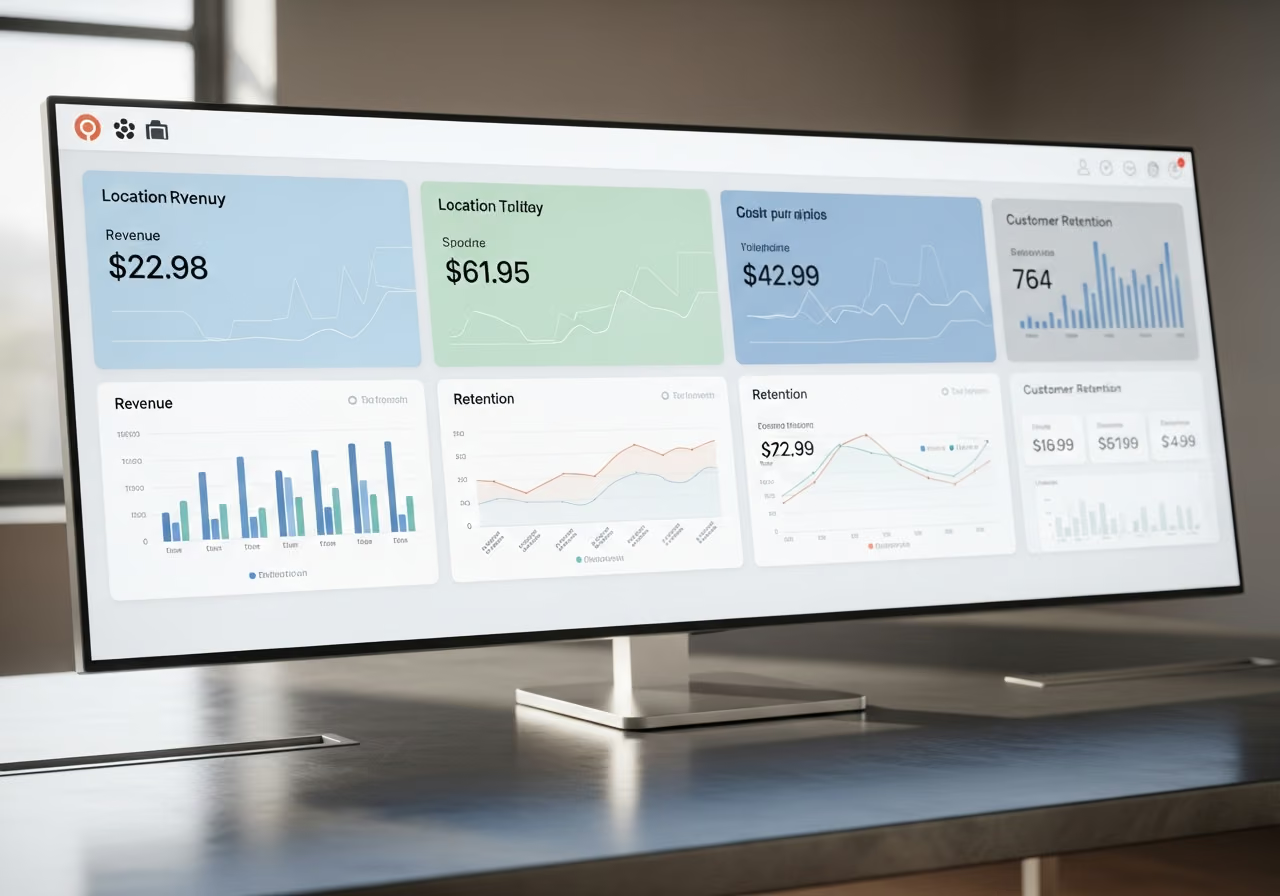
Per-location retention reports are saved searches grouped by home location. The marketing team builds these once and they keep themselves current.
For cross-location campaigns, the list of gyms a member has visited is your filter. A “try our new Eastside location” campaign sent only to Downtown-home members who have never visited Eastside takes one filter to define.
Catching a Struggling Location Early
The question every multi-site owner cares about: is one location losing members faster than the others? Without per-location data, that question takes a week to answer and is usually answered too late.
With location-aware saved searches in Keap, the answer takes about 90 seconds. Count the Westgate members who have an active membership but have not visited in 21 days, divide by total active Westgate members, and you have that location’s drift rate. Compare across all four. If Westgate is at 12 percent monthly drift while the other three sit at 6 to 7 percent, you have a problem to investigate this month, not three months from now.
If a member’s home location was set wrong, the marketing team can fix it in Keap and the correction carries back to Mindbody on its own. No double entry.
What This Means for Your Bottom Line
In an illustrative deployment at a network of this size, the per-location reporting workload typically drops from 4 to 6 hours a week per marketer down to under 30 minutes, mostly spent reviewing the saved searches and writing the GM commentary. For Ember’s 3-person team, that is roughly 12 to 16 hours a week recovered, or 600 to 800 hours a year, close to a third of a full-time role.
The qualitative win matters more. General managers stop feeling like afterthoughts because their data shows up in their inbox automatically and on time. Marketing stops being the bottleneck for location conversations. The weekly leadership meeting shifts from “marketing hasn’t sent the reports” to “Westgate’s drift rate ticked up, let’s talk about it.”
For Ember specifically, the team was able to launch two new ad-creative tests a month once the reporting overhead came off their plate, both of which had been backlogged for six months. The lift from those tests covered the cost of the integration in the first quarter.
These numbers are illustrative. Your reporting workload depends heavily on how often GMs actually use the reports they ask for.
Want to see CRMConnect Mindbody to Keap in action? View the API App page.
Keep reading

The Gap Between "I Paid" and "I'm Booked"
A customer buys a class pack on Shopify, then can't figure out how to book it. Here's how a Mindbody booking widget and ShopConnect close that gap for good.

Mindbody and HighLevel: One Clear Schedule Per Student Across Every Program
If your studio runs beginner programs, longer courses, and private lessons at once, here is how your reminders finally match what each student actually has booked.

Mindbody and Klaviyo: Per-Location Marketing for a 6-Gym Strength Network
A central marketing team sending one blast to every member of a 6-gym network gets the coach name and the gym address wrong half the time.