
Mindbody and Zoho CRM: See Membership Status Before Renewals Slip
The Renewal Conversation Your Team Keeps Missing
Memberships are a steady revenue floor for a medspa, and a steady churn risk. A six-month aesthetics membership at $299 a month is roughly $1,800 in revenue per member, and the renewal conversation has to happen 30 to 60 days before expiration to actually land. If your sales team only sees membership information when a Mindbody report runs at month end, that conversation is already late before anyone has it.
Consider an illustrative example. Vesper Wellness Medspa (a hypothetical two-location practice) has seven providers, 2,200 patients, and an active membership program. The sales team works out of Zoho CRM. The clinical team works out of Mindbody. The handoff between the two has always been “ask the front desk.” Renewals get missed, lapsed memberships sit for weeks with no outreach, and the sales team only learns about it at the all-hands report.
What the Disconnect Actually Costs
A membership is not a single fact. It has a status, a start and end date, sessions used and sessions left, and whether it renews automatically. The renewal conversation needs all of it. The “sessions remaining” number in particular is what tells a patient to come use what they paid for before it expires, and it changes every time a session is booked or used.
When all of that lives in Mindbody and your sales team lives in Zoho CRM, the gap gets bridged by hand, or not at all. The cost is not the few minutes a rep spends asking the front desk. It is the renewal that never got a 60-day heads up, the patient with four unused sessions who quietly let them expire, and the lapsed member nobody followed up with because nobody knew.
How It Works Once Membership Data Flows Into Zoho CRM
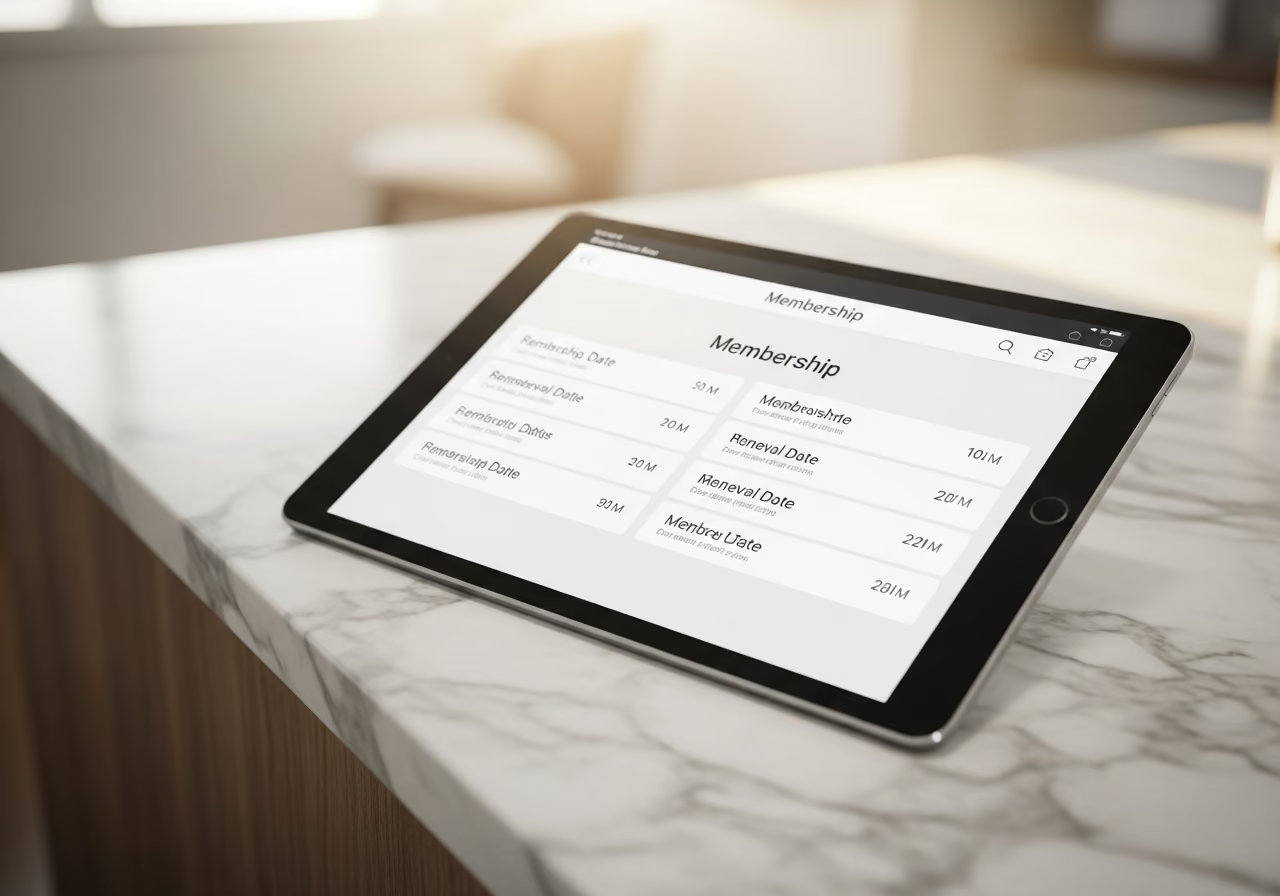
CRMConnect Mindbody to Zoho CRM keeps the full membership picture current inside the CRM your sales team already uses. Status, start and end dates, sessions used and remaining, and renewal information all stay up to date automatically. A patient with three concurrent memberships, which is common in a medspa, shows all three.
What your sales team sees on every patient record:
- Whether each membership is active, expired, suspended, or cancelled, updated as it changes.
- How many sessions are left, so they know who to nudge.
- The exact expiration date, so renewal outreach is timed off reality, not a guess.
No more “did Patty’s membership expire?” messages to the front desk. The answer is on the record.

Building a Renewal Cadence That Actually Happens
Once expiration dates and session counts are live in Zoho CRM, you can put a calm, repeatable renewal cadence around them. A workable version:
- Sixty days out, the assigned rep gets a task: “Renewal conversation,” with the membership name, end date, and sessions remaining attached.
- Forty-five days out, the path splits on usage. If the patient has plenty of sessions left, they get a friendly “come use what you have” email with a booking link. If they are already using the membership, skip the nudge: they are likely to renew anyway.
- Thirty days out, a call task lands on the rep’s calendar for that day. If it is not done within a day, it escalates to the manager.
- Two weeks out, the patient gets renewal terms and a simple one-click renewal option.
- Three days out, a short text reminder goes out.
- On the expiration date, memberships set to renew automatically roll into the next term and exit the sequence.
- The day after, any membership that actually expired enters the lapsed-member follow-up.
The 30-day call is the conversion driver. It is on the calendar, it comes with context, and it escalates if missed. So it actually gets made.
Catching Lapsed Members Before They Drift
For memberships that do expire, a short recovery sequence keeps the door open:
- The day after expiration, a personal email from the rep with a “your spot is still here” offer.
- A week later, a text offering to extend the last few sessions another 30 days. If the lapse was caused by a failed card rather than a real decision to leave, treat it as a quick card update, not a churn problem.
- Two weeks after expiration, a manager review where the rep brings the lapsed list and decisions get made for the highest-value patients.
- A month out, anyone still inactive moves into a longer-term win-back nurture.
The two-week manager review is the part that pays for itself. The data is already in Zoho CRM, so the conversation actually happens and decisions get made.
What the Numbers Could Look Like
These are illustrative composites, not a real customer, but they show the shape of the change at a practice of roughly 2,200 patients:
- Renewal rate with a manual month-end process: roughly 55 to 65 percent.
- Renewal rate with a 60, 30, and 3-day cadence on live data: a lift into the 70 to 80 percent range.
- Lapsed members recovered within 30 days: a lift of 8 to 14 percentage points, mostly because the day-after email lands while the membership is still front of mind.
- “Did this patient’s membership expire?” questions to the front desk: down sharply, because the answer is on the record.
The lift comes from making the renewal conversation a scheduled event with context, instead of a reaction to a monthly report.
Why This Matters for Your Practice
- A renewal you see 60 days out is a conversation. A renewal you see at month end is a save attempt, and a harder one.
- Unused sessions are a churn signal hiding in plain sight. Surfacing them lets you re-engage patients before they feel they wasted their money.
- A lapse from a failed card is a 24-hour fix. A lapse from a real decision to leave needs a different conversation. Knowing which is which saves your team’s effort for where it counts.
Try It in Your Medspa
Curious how this works on your patient data? View the API App page.
Keep reading

The Gap Between "I Paid" and "I'm Booked"
A customer buys a class pack on Shopify, then can't figure out how to book it. Here's how a Mindbody booking widget and ShopConnect close that gap for good.

Mindbody and HighLevel: One Clear Schedule Per Student Across Every Program
If your studio runs beginner programs, longer courses, and private lessons at once, here is how your reminders finally match what each student actually has booked.

Mindbody and Klaviyo: Per-Location Marketing for a 6-Gym Strength Network
A central marketing team sending one blast to every member of a 6-gym network gets the coach name and the gym address wrong half the time.