
The "Bug" That Wasn't: How AI Found the Needle in the Haystack and Cleared Our Integration in Minutes
A high-value customer was certain our integration had scrambled their data, and asked us to switch it off. With AI wired into every layer of the APIANT platform, it found the needle in the haystack faster than a human ever could: the one field that changed, the exact day it changed, and the third-party app that changed it. This is the difference between an integration and integration infrastructure.
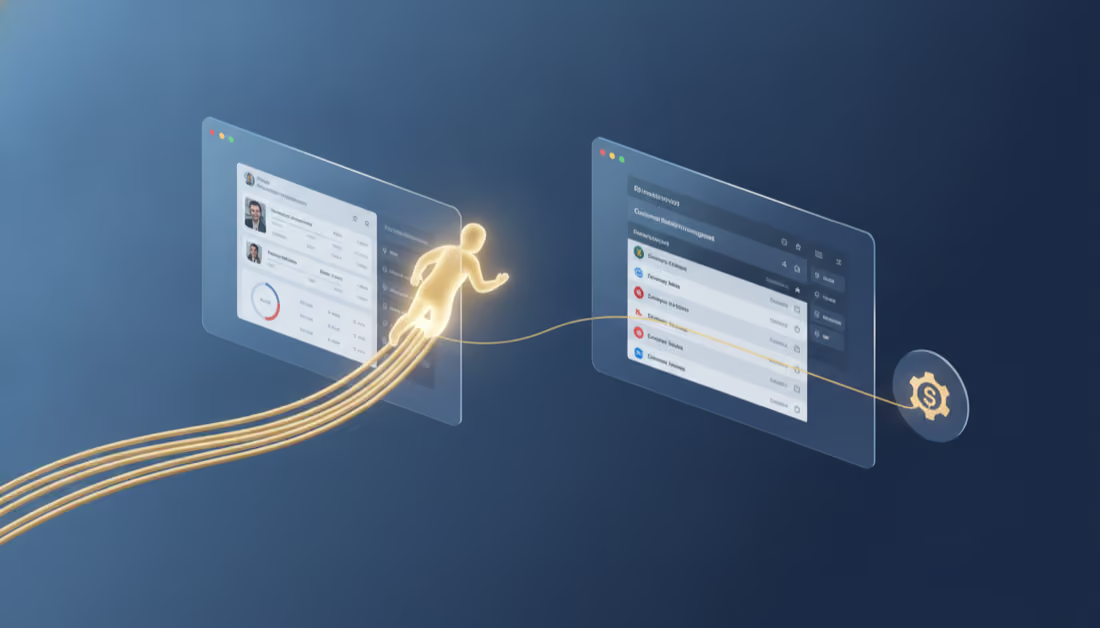
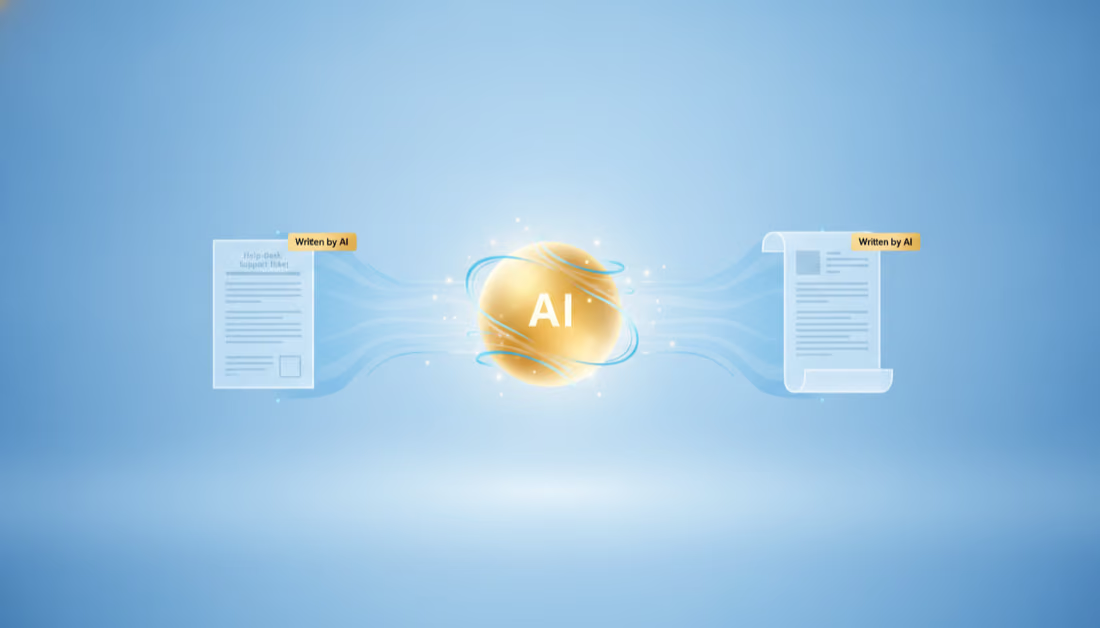
A note before you start reading: This article was written by AI. So was the customer support reply you will find embedded in it. Both came out of the same place: an AI with deep access to a working integration platform. We are not telling you AI is impressive. We are showing you, with a real (anonymized) ticket, what it does when it has the right infrastructure underneath it.
The 9 a.m. fire drill that lasted five minutes
Picture the scenario every software company dreads.
One of your most valuable customers, a fast-growing wellness and fitness brand with locations in several cities, opens an urgent ticket. Subject line: “Sync Error?”. Their data is wrong. Member profiles in their CRM have started getting scrambled. One record shows a name belonging to one person sitting on top of an entirely different person’s email, phone, and history. It is visible to their staff, it is quietly polluting their marketing lists, and it touches real customer relationships. They are worried, they have a sharp theory about what broke, and they want it fixed now. They even ask us to switch the integration off until it is sorted.
Here is the trap inside that request. The customer is pointing straight at your integration. The integration is the newest, most mysterious part of their stack, so it is the easiest thing to blame and the hardest thing to clear. And switching it off would halt a stream of correct, legitimate updates while doing nothing to fix the actual problem.
Normally this is where the hours disappear. A support engineer gets paged. They escalate to an integrations specialist. That specialist starts from zero, reconstructing what the integration is supposed to do, reading old tickets, pulling logs, and forming theories. Because the customer blamed the sync, the natural instinct is to start taking the sync apart, even when the sync is innocent. A developer gets pulled off the roadmap. A day passes, maybe two. Worst of all, the team can end up “fixing” something that was never broken, or telling the customer to disable a healthy integration, while the real cause keeps corrupting data upstream.
That is not what happened here. Here, the answer came back in a few short minutes, and it came back with proof.
Let me break down exactly what that looked like, in plain language.
The problem, explained without jargon
Imagine a single membership record for one person. It holds a name, an email, a phone number, a date of birth, and a visit history. All of it belongs to one member.
One day, that record in the CRM suddenly shows a completely different person’s name sitting on top of all the original details. To the customer’s team, it looks exactly like the integration grabbed two different people and fused them into one record. That is alarming, and it is a reasonable thing to suspect.
The customer’s own theory was specific and smart: maybe the integration was matching people on an ID number, and two different people at two different locations happened to share the same ID, so the system was confusing them and merging them together. If you run a business on accurate customer data, this is the kind of thing that keeps you up at night.
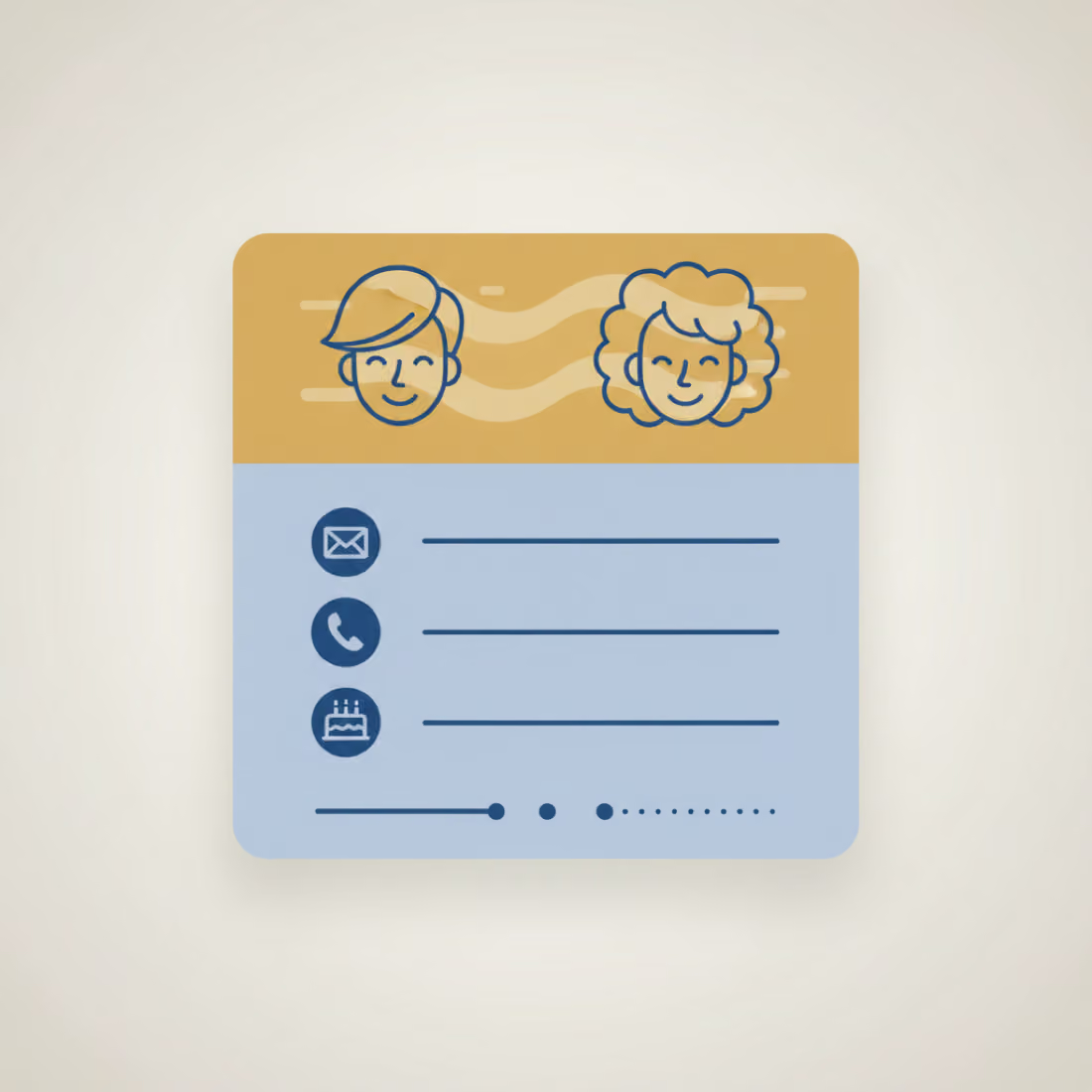
The hard question was never “how do we fix the data.” The hard question was “who actually changed it, and is the integration the culprit or the messenger.” Until you answer that, you cannot fix anything safely. Guess wrong and you either rebuild a healthy integration for nothing, or you leave the real cause running and the damage continues.
How the AI actually solved it
Here is the part that matters if you run a software business.
It read the full history of one exact record, field by field. Instead of theorizing, the AI pulled the complete history for the affected contact and traced every change right down to the individual events that arrived from the source system. Not a summary. The actual sequence of what changed, and exactly when.
It found the one detail that cracked the case. Only the name on the record had ever changed. The email, the phone, the date of birth, and the entire history were untouched and identical before and after. That single observation answered everything. If two different people were truly being confused on a shared ID, all of their details would differ, not just the name. One field changing while everything else stays identical does not mean two records were merged. It means one record was renamed at the source.

It identified how the change arrived, and who was responsible. The AI could see that the rename did not come from our integration, and did not come from a staff member editing by hand. It came in through the source platform’s own programming interface, pushed by a separate third-party app that the customer had connected and granted permission to write to their account. Our integration had simply, and correctly, carried that upstream change through to the CRM, exactly as it is designed to do. For the record, the integration only ever reads member data from the source platform. The one thing it writes back is an internal sync flag. It never touches a name, an email, or any profile field.
In other words, the integration was not the culprit. It was the messenger, faithfully reporting a change that something else made further up the chain. The customer’s ID-collision theory was a good guess, but the evidence pointed somewhere else entirely.
The whole diagnosis (the exact record, the exact date the rename landed, the exact mechanism that delivered it, and the proof that the integration was working correctly) came back in minutes. The customer got a clear next step too: find the upstream third-party app that is renaming records, and correct the data at the source. Nothing on the integration needed to be rebuilt, reconfigured, or switched off.
A human specialist could reach the same conclusion. The question is whether they have the hours, and the patience, to do that forensic work every single time a customer points a finger, instead of taking the faster and far more dangerous shortcut of just blaming the integration.
The reply we sent, written by AI
Here is the actual support reply that went back to the customer. Every name, email, ID, and location has been changed, but the platforms are real and the substance is exactly what the AI produced, specifics and all: the exact client ID, the exact dates, the exact mechanism. It was not drafted by a human and polished. It was written by the AI off the evidence it had already gathered.
Ticket: Re: Sync Error?
Customer: Callum
Hi Callum,
Thanks for the detailed report and the example records, they made this much faster to pin down. We ran a full investigation using our APIANT MCP AI tooling, which let us trace each change right down to the individual Mindbody event. That is how we were able to identify the source this precisely and this quickly.
Summary
The short version: the profile mix-ups are not being caused by the CRMConnect sync or by HubSpot. The sync is working correctly. It is faithfully reflecting data that is being changed at the source, inside Mindbody. The records are being altered in Mindbody by an external application connected to your Mindbody account, and the sync then carries those changes through to HubSpot exactly as designed.
Findings (using your Megan Hartley / Bronwyn Keane example, HubSpot contact 51003412986)
- That HubSpot contact is fed by Mindbody Northside client ID 100004217.
- As recently as 2 June, Mindbody was sending us that client as Megan Hartley (megh82@example.com).
- On 3-4 June, that same Mindbody client record was changed to Bronwyn Keane, while everything else on it (email, phone, date of birth, visit history, treatment notes) stayed identical. Only the name was overwritten.
- You can confirm this in Mindbody yourself: the client’s Contact Log shows system emails addressed to “Megan Hartley” (megh82@example.com) on 2 June, and to Bronwyn Keane by 10 June. Same client record, two different identities.
How the change was made
The edit came through Mindbody’s Public API, which means an external application that has API access to your Mindbody account pushed the update. It was not a staff member editing in the Mindbody interface, and it was not CRMConnect. (For reference: CRMConnect only ever reads client data from Mindbody; the only thing it ever writes back is an internal sync flag. It never changes a client’s name, email, or profile fields.)
So when Mindbody told the sync “client 100004217 is now Bronwyn Keane,” CRMConnect correctly updated the one linked HubSpot contact, which is why Megan’s record now shows Bronwyn’s details. As long as that Mindbody record stays as-is, any re-sync will keep re-applying it.
We expect the Tara Whitfield / Erin Doyle case (and any others) to be the same pattern: a source-side change in Mindbody.
Recommended next steps
- Identify the Mindbody-side culprit. Please review which third-party integrations/apps have API (write) access to your Mindbody sites. We are looking for an application that renames or merges client records. Your Mindbody account manager can help confirm which app made the change on 3-4 June if needed.
- Correct the records at the source (Mindbody) so each person is back on their own distinct client record with the correct details.
Resolution
Importantly, nothing needs to be re-linked or reconfigured on the CRMConnect or HubSpot side. Your HubSpot contacts are already mapped to the correct Mindbody clients. The only thing that is wrong is the data in the Mindbody source. Once you correct that in Mindbody, the right details will flow straight through to the existing HubSpot contacts on the next sync, automatically.
On your earlier suggestion to switch the sync off: we have left it running, because it is functioning correctly and pausing it would not change or fix the underlying Mindbody data.
Please feel free to reach out with any questions. We are here to help!
Kind regards, APIANT AI Support Read it back and notice what it is doing. It leads with the conclusion. It walks through the evidence in order. It addresses the customer’s own theory head-on instead of dodging it. It draws a clean line around what the integration does and does not touch. And it refuses to take the easy out of switching the sync off, because that would have been the wrong call. That is not a canned macro. That is a reasoned answer built from the actual history of one record.
Before and after: the manual hunt versus the AI-assisted answer
It is worth picturing the size of the haystack in a deployment like this one. A CRMConnect integration between Mindbody and HubSpot is not a single pipe. A growing brand runs multiple locations, and the same client can appear at more than one site, so the logic carries a site guard: a contact who shows up at two locations must never have one location’s records altered by the other. Each Mindbody event (a new client, a sale, an appointment, a class booking, a membership, a contract) flows through instant webhooks and scheduled sweeps into both standard HubSpot records and five dedicated custom objects: appointments, class bookings, client services, memberships, and contracts. Many of those writes are dual: one completed appointment can land as a Deal in a custom pipeline and as a separate custom-object record at the same time. Underneath, reusable subroutines do the shared work, and every write runs a multi-step decision tree: check for a cached record ID, try to update it, and on a specific error fall through to finding the record by property or creating and associating a new one instead, with further branches keyed to the exact error HubSpot returns. Exact automation counts and branching depth vary by customer deployment and configuration, but the shape is the same everywhere: a dense, many-layered web in which one field on one record can be touched from several directions. Finding the single field that changed, on the single record that mattered, inside that web, is the literal needle in the haystack.
It helps to put the two workflows next to each other, because the gap is not subtle.
The manual way. A ticket like this lands and the clock starts. A support engineer triages it, cannot clear the integration alone, and escalates to an integrations specialist. That specialist starts from zero: re-learning what the integration is supposed to do, reading old tickets, pulling logs by hand, and forming theories. Because the customer blamed the sync, the temptation is to start taking the sync apart. A developer gets pulled off the roadmap to help. Each loop (pull a log, form a theory, test it, rule it out, repeat) is slow and manual, and there is no single record history to anchor it. As described earlier in this post, that is how a day, sometimes two, disappears, and the worst case is “fixing” something that was never broken.
The AI-assisted way. The AI pulls the full field-level history of the exact record in one pass, spots the single field that changed, identifies the mechanism that delivered the change, and clears the integration, with evidence. No escalation chain, no roadmap interruption, no guess-and-check loops. It reaches the same conclusion a senior specialist could, except it arrives in minutes and it arrives with proof.
| What changes | Before: manual investigation | After: AI-assisted | Impact |
|---|---|---|---|
| Time to a proven answer | Hours, often a day or two (per the scenario above) | Minutes | Hours collapse to minutes (estimate) |
| People pulled in | Support engineer, integrations specialist, and often a developer taken off the roadmap | One AI pass, reviewed by one person | Senior engineering time freed for product work |
| Cost per ticket | Several senior hours of forensic work | A fraction of that | Lower support cost per incident (qualitative estimate) |
| How the conclusion is reached | Theories tested by hand, guess-and-check, no full record history to read | Field-level history read directly, evidence first | Higher confidence, fewer wrong turns |
| Risk to a healthy system | Real chance of pausing or rebuilding an innocent integration | Root cause placed correctly (upstream), integration left running | No needless rework or downtime |
| Customer experience | Anxious wait, “switch it off” requests, possible wrong fix | Proof-backed answer in minutes, integration stays live | Trust preserved, churn risk reduced |
A note on the numbers: the time and cost figures above are estimates, not measured benchmarks. They contrast the multi-step manual escalation described in this post (which can run a day or two) with the few minutes the AI took on this single ticket. The real gap will vary by ticket, team, and stack.
The shift hiding inside this story
Step back from the single ticket and look at the shape of what happened.
The hardest part of integration support is rarely fixing a bug. It is figuring out whose fault the problem even is. When data looks wrong, the integration is the easiest thing to accuse and the hardest thing to clear. Proving “the integration is innocent, the data was changed upstream by something else” is exactly the kind of evidence-heavy detective work that eats senior engineering hours, if anyone bothers to do it at all. More often, the integration gets blamed, paused, or rebuilt, and the real cause quietly keeps doing damage.
AI infrastructure flips that. It carried this ticket from “urgent, switch it off” to “here is precisely what happened, with proof” in minutes. It did not guess. It traced. And it was willing and able to clear our own integration, which is harder and more valuable than it sounds, because the truthful answer here was “the problem is not where you are looking.”
This is what we mean when we say the platform is AI-first. The AI is not a chatbot bolted onto the side. It has tentacles into every layer of the platform: every execution, every field that was written, every event that arrived from the source. That reach is what lets it answer “what actually happened to this one record, and why” in the time it takes to read this paragraph.
Why you cannot vibe-code your way to this
Here is the part worth being blunt about.
You can absolutely wire up a raw, point-to-point integration yourself, and modern AI coding tools make spinning one up faster than ever. Claude Code is genuinely great at writing that code. On a good day, the thing you build works. The trouble is the bad day.
A hand-built integration is a pipe. It moves data and then forgets. It keeps no execution history, no field-level record of what changed and when, no link from a value in the CRM back to the individual source event that caused it. So months later, when a record looks wrong and a customer is demanding answers, there is nothing to investigate. No memory to read. No trail to follow. You and your AI assistant are both back to guessing, and the easiest guess is to blame the pipe and start ripping it out.
This is not a knock on the coding tool. The point is what the tool has to work with. Point an AI at a dumb pipe and there is no history for it to read, so even the smartest model is reduced to theorizing. Point that same AI at a platform that recorded every execution, every write, and every source event, and it can do the forensic work you just watched it do.
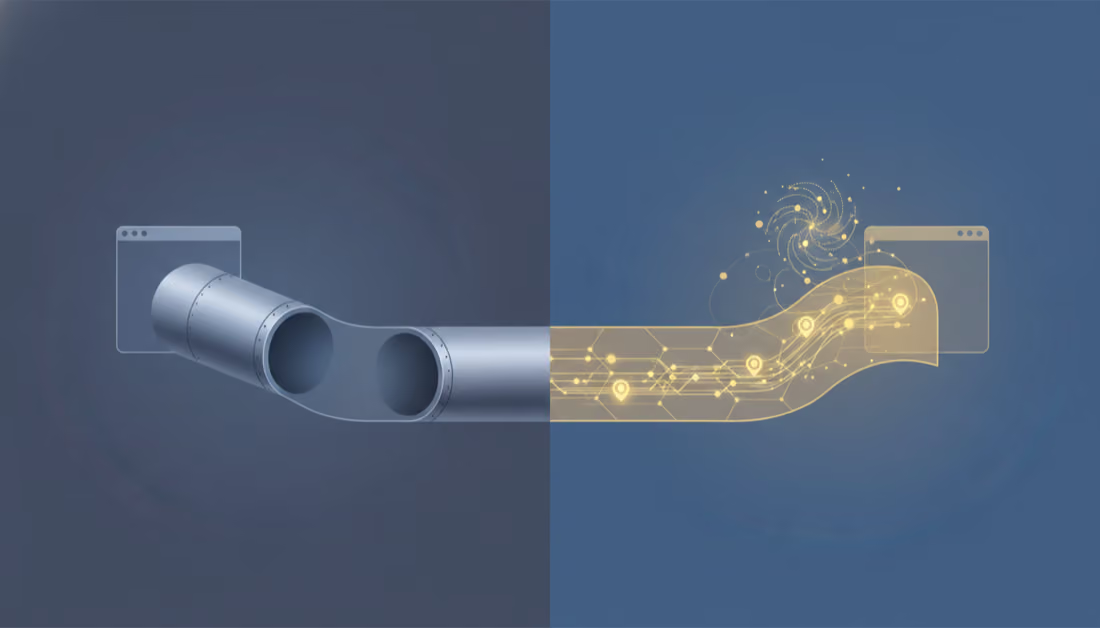
APIANT is not a pipe. It is infrastructure. Every execution, every write, every source event is captured, observable, and queryable, by design. That recorded history is the substrate the AI needs. It is the difference between an integration that runs and an integration you can interrogate. You can vibe-code something that moves data. You cannot vibe-code the forensic memory and platform-wide observability that let AI diagnose that data in minutes when it matters most. That is the line between an integration and integration infrastructure.
The meta point: AI did the whole job
It is worth saying plainly, because it is the real demonstration here.
The AI did not just help. It did the diagnostic work, reading the record’s full history and isolating the one field that changed. It wrote the customer reply you read above, the one that led with the answer and held its ground on leaving the sync running. And it wrote this article, the one you are reading right now, explaining the whole thing back to you.
One AI, three jobs, all of them downstream of the same thing: a platform that remembers everything and lets the AI ask questions of that memory. That is the showcase. Not “AI is smart.” AI plus integration infrastructure is what closed a scary ticket before the coffee got cold.
What this means if you sell software
If your product connects to other tools, and almost every serious SaaS product now does, then integrations are both your biggest growth lever and your biggest support tax. Every connector you offer is a new surface that can break, or look broken. Every one of those lands on your support queue and pulls your best engineers off the roadmap. And a painful share of those tickets are not even your fault. They are upstream changes, third-party apps, and source-side edits that you still have to prove were not your doing.
This is exactly the problem APIANT For Builder, White Label is built to remove.
You get your own white-label integration platform, running under your brand, with this same AI infrastructure underneath it. Your customers get the deep, reliable integrations they are demanding. Your team gets out of the business of hand-diagnosing every accusation at 9 a.m. The AI reads the history, traces the root cause, and hands over a precise, evidence-backed answer, whether the fix belongs to you or to something upstream.
The customer in this story got a correct, proof-backed answer in minutes, kept a working integration running, and avoided switching off a healthy system out of fear. No specialist was burned. No roadmap was derailed. Now imagine that being the default across your entire integration catalog, with your logo on it.
See it for yourself
This is one ticket. We run integrations like it every day, and the pattern holds: AI carries the hard part, the forensic part, the part that used to cost hours, and it does it in minutes. Your brand keeps the customer relationship. Your engineers keep their focus.
If you are a SaaS company tired of paying the integration support tax, and tired of proving your integrations innocent one ticket at a time, let us show you what your own white-label APIANT For Builder server would look like.
This case study has been anonymized: every person, email address, ID, and location has been changed. The platforms are real. Technical details have been simplified for a general audience. This article and the embedded support reply were both written by AI.
Keep reading
The Feature We Avoided for Years, Built in Days
One request came back for years: let a shopper book against real availability at the moment they buy. We never built it. Then an AI operator on our AI-first platform did, in days.

We Gave an AI a Support Ticket. It Rebuilt the Integration and Closed the Loop.
A customer paid $8,400 but the CRM showed $400. We handed the bug to an AI on APIANT and let it diagnose, rebuild, and test the fix end to end.
AI-First Integration Engineering With Claude Code: A Real Debug Session
A real APIANT debugging session, with the actual prompts. Watch an AI read a sibling integration and four years of version history, and watch a builder's hunch stop a regression the codebase never recorded.