
Auto-Create HubSpot Properties From a CSV With Claude Code
How to auto-create HubSpot properties (contact, deal or company) using this free import automation built on APIANT.
Target Audience: HubSpot Admin
Steps to auto-create HubSpot properties with a CSV with a Free APIANT account for HubSpot admins.
First you’ll need an APIANT account…
Are you a HubSpot Admin and would like a free APIANT account for HubSpot Admins? If so, you can submit an application below:
First Name*
Last Name*
Job Title*
Email*
Mobile Phone Number*
Company Name*
Target solutions
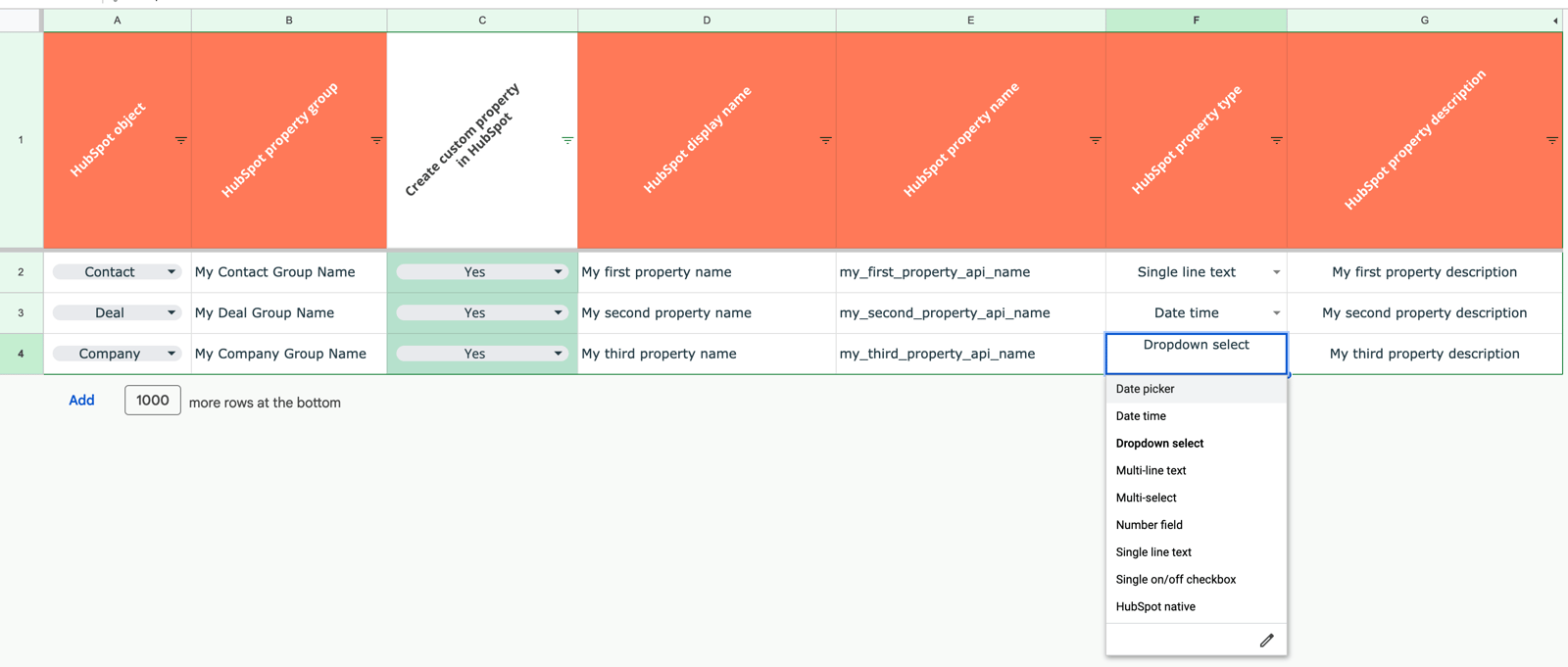
Then copy and edit this Google sheet
Here’s the link to the Google sheet.
Add as many rows as you like.
Choose the HubSpot object you’d like to create the properties for:
- Contact
- Deal
- Company
Give it a property group name
You can always list a property and choose “No” to create custom property in HubSpot to ignore it for now.
Choose the display name, api name
Select the property type from the drop-down:
- Date picker
- Date time
- Dropdown select
- Multi-line text
- Multi-select
- Number field
- Single line text
- Single on/off checkbox
- HubSpot native
And finally enter your property description
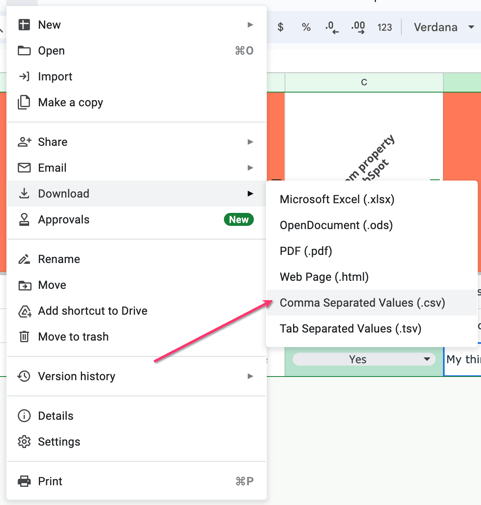
Once you’ve entered all your rows (one per property), download the sheet as a CSV:
Install the template automation in your APIANT account
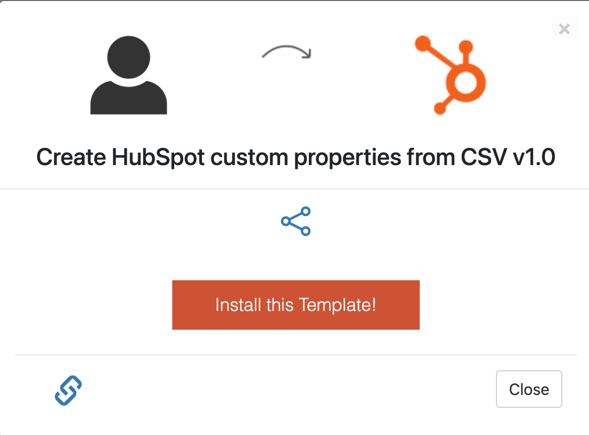
Here’s the link to the template called Create HubSpot custom properties from CSV
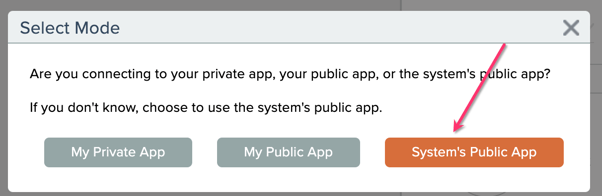
Once installed, connect a HubSpot Hub from the menu

Choose System’s Public App, and login the Hub
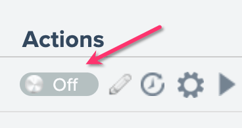
Turn on the automation
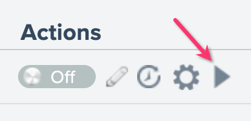
Press play button for the automation since this is a Form App based trigger
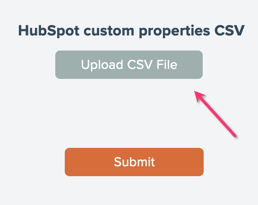
Click to upload your CSV
 Your properties will auto-create and a report will generate.
Feel free to edit the automation as you see fit (could you even add values to drop-downs and multi selects).
Head over to forum.apiant.com to share your experience and help each other.

Fred Lumiere Co-Founder & CEO of APIANT
Keep reading

The Feature We Avoided for Years, Built in Days
One request came back for years: let a shopper book against real availability at the moment they buy. We never built it. Then an AI operator on our AI-first platform did, in days.

We Gave an AI a Support Ticket. It Rebuilt the Integration and Closed the Loop.
A customer paid $8,400 but the CRM showed $400. We handed the bug to an AI on APIANT and let it diagnose, rebuild, and test the fix end to end.

The "Bug" That Wasn't: How AI Found the Needle in the Haystack and Cleared Our Integration in Minutes
A high-value customer was certain our integration had scrambled their data and asked us to switch it off. With AI wired into every layer of the platform, we traced one record's full history and proved the change came from an upstream third-party app, with evidence, in minutes.