
Mindbody and Calendly: Send Every Consult to the Right Spa Location Automatically
How CalendarConnect's dynamic event handling and real-time appointment creation route cross-site Calendly consults into the correct Mindbody location.
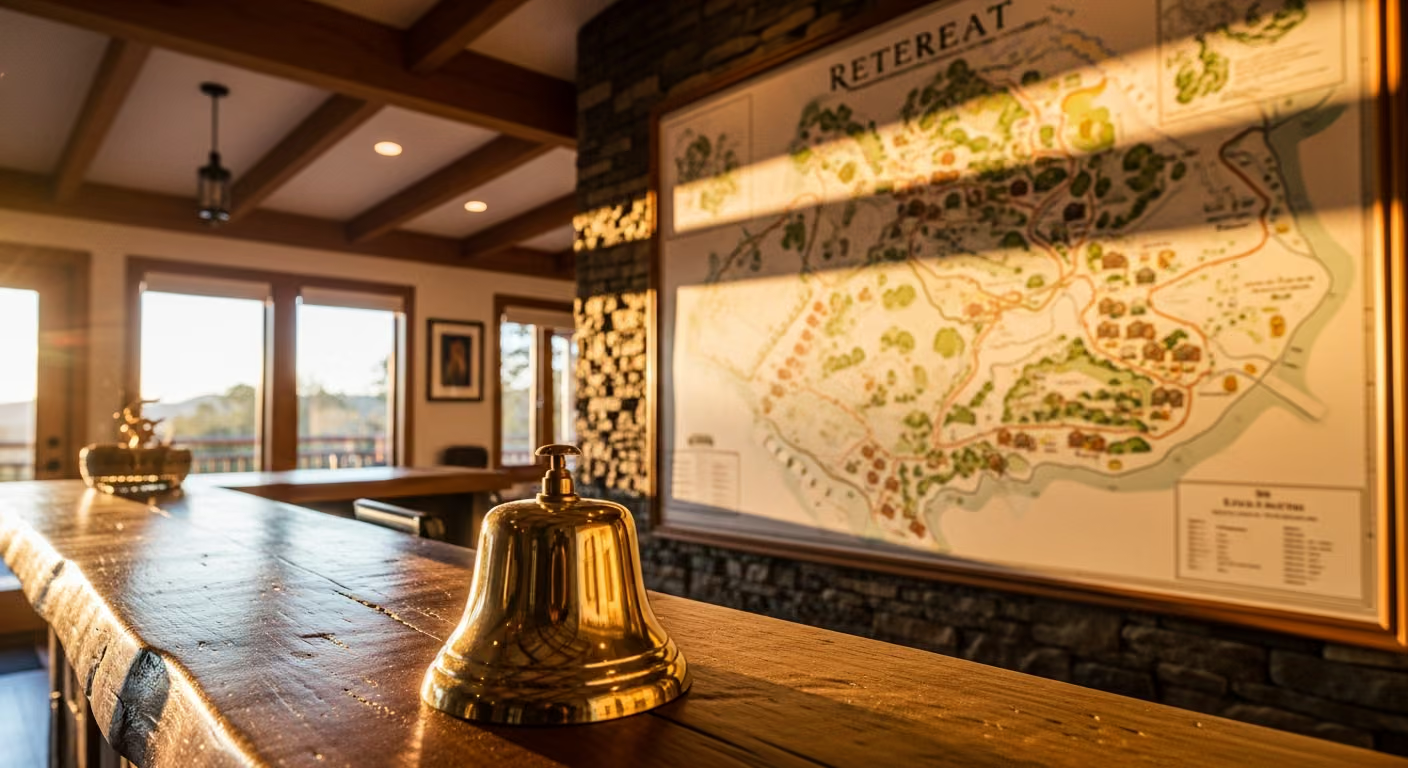
A four-location spa group runs a single Calendly funnel for consultations. A prospect picks a service, picks a location, picks a time. Today, that booking lands as a generic appointment that a regional manager has to manually re-route to the right location. Sometimes she gets it wrong, and the client shows up at the wrong spa for an appointment that lives in another location’s schedule.
A misrouted booking is the worst kind of front-desk failure. Everyone is polite about it. Nobody books a second visit.
Your brand suffers too. Each spa in the group has its own feel, its own providers, its own specialties. A client routed to the wrong location walks into a different experience than she expected, often with a provider she did not request. Even if the appointment happens, it feels off. Soon your reviews start mentioning “I thought I was going to one place but ended up at another,” and the quality story you have worked to build starts to erode.
What Misrouting Costs You
Every misrouted booking costs you twice. First you lose that client, because almost nobody forgives showing up to the wrong place and rebooks. Then you lose the regional manager’s time, because she is spending hours each week checking and correcting bookings instead of working on the things that grow the business.
Trying to fix this with patched-together routing rules just trades one problem for another. Address-based guessing fails for clients without a clean address. A default-location fallback quietly funnels everyone to one site. Provider-based routing breaks the moment a provider moves between locations. Each fix spawns a new edge case, and the list of things that can go wrong keeps growing.
How Correct Routing Works
CalendarConnect reads the location the client picked on the Calendly form and creates the appointment at the correct Mindbody location, with the right service, the right provider, and the right room. It picks an available provider from that specific location’s eligible pool, and falls back to an alternate by your rules if the first choice is not free.
The setup is a simple set of rules you define once: each location option maps to a location, each service maps to the right service at that location, and you decide what happens for ambiguous cases. Adding a new location later means adding one line to that map, not rebuilding anything. The arrangement grows with your business.
It also handles providers who work at more than one location. A provider who works two days a week at each of two sites can appear in the eligible pool for both, and bookings route to whichever location she is at on the chosen day. She does not have to juggle two calendars.

What You Set Up
The whole arrangement is straightforward. You connect all four spa locations, run one Calendly booking link with a service picker and a location picker, and match each location option to its spa and each service to the right service at that spa. Then you run one test booking per location to confirm each one lands correctly, and roll the single link out across all four locations’ marketing.
From then on, your marketing team maintains one booking link instead of four. Site-specific campaigns can all use the same link, because the picker in the form routes each booking to the right place. As a habit, have each location run a quick test booking once a month to confirm everything still routes correctly, so any drift gets caught early.
A Few Situations Worth Knowing
Sometimes a client picks the wrong location by accident. The booking is logged with the location it was given, and the regional manager can see obviously wrong cases, a client with a New York address booking a Miami appointment, and reach out before the client travels.
When a provider transfers permanently from one location to another, her Mindbody assignment changes and the eligible pools update on their own. The old location stops offering her, the new one starts. No manual reconfiguration.
And when a location closes temporarily, for a remodel or staff training, you simply mark it unavailable in Mindbody, and the Calendly form hides that location from the picker until it reopens. Clients cannot book a closed location.
What This Means for Your Spa Group
Take a hypothetical example. A four-location spa group with roughly 40 cross-location consultations a week. After putting correct routing in place, misrouted bookings drop from around three a week to zero. The regional manager’s time spent fixing routing drops to zero. Show rate improves, because confirmation emails carry the correct location address from the start.
Group-level reporting finally becomes meaningful. Booking volume, conversion rate, no-show rate, and revenue per booking are all comparable across your four locations, because the data is structured the same way everywhere. The regional manager gets one real dashboard instead of four messy ones, and can finally see which locations are doing well and which need help.
Want to see CalendarConnect Mindbody to Calendly in action? View the API App page.
Keep reading

The Gap Between "I Paid" and "I'm Booked"
A customer buys a class pack on Shopify, then can't figure out how to book it. Here's how a Mindbody booking widget and ShopConnect close that gap for good.

Mindbody and HighLevel: One Clear Schedule Per Student Across Every Program
If your studio runs beginner programs, longer courses, and private lessons at once, here is how your reminders finally match what each student actually has booked.

Mindbody and Klaviyo: Per-Location Marketing for a 6-Gym Strength Network
A central marketing team sending one blast to every member of a 6-gym network gets the coach name and the gym address wrong half the time.