
Mindbody and Calendly: Have Every Client's Intake Answers Ready Before They Arrive
Use CalendarConnect's Calendly question sync to push intake answers into Mindbody custom fields and indexes so trainers prep before the client walks in.

An acupuncture clinic asks new clients five intake questions before their first session: primary complaint, prior treatments, pregnancy status, medication list, and preferred treatment style. The Calendly booking form captures all of it cleanly. The provider sees the answers in a booking notification email.
Then she walks into the treatment room, opens her client schedule, and sees only the client’s name and appointment time. The intake answers are buried in an email she has to dig through. So she either prints every booking email, a paper trail nobody wants, or asks the same five questions again in person, which annoys the client and burns session time.
Take a hypothetical example. An acupuncture clinic with four providers running roughly 60 new-client consultations a week. This was the daily reality for every one of them.
What Buried Intake Costs You
Reading a booking email mid-session, or re-asking questions the client already answered, sends a quiet but clear message: we did not prepare for you. For a clinical service that clients are often nervous about, that first impression matters. It is the difference between a client who feels cared for and one who wonders whether you are organized enough to trust.
There is a practical cost on top of the experience cost. A provider re-parsing the same five answers before every session is doing the same low-value task hundreds of times a month. And there is a compliance angle for clinical settings: intake data scattered across email archives instead of stored in your clinical system of record is a problem if you are ever audited. Intake that lives in the client record fixes the experience, the wasted time, and the compliance story all at once.
How Intake Answers Reach the Client Record
CalendarConnect takes each answer from the Calendly intake form and places it in a specific spot on the Mindbody client profile. The primary complaint goes in one field. Pregnancy status goes in another. The medication list goes in its own. The provider opens the client profile and sees the intake answers laid out in the same predictable places every time, no email digging required.
You decide the layout once, and it can differ by appointment type. A standard new-client consult might capture five answers. A massage-only intake might capture three. A fertility-focused consult can ask its own specific questions. You set it up once, and the structure stays consistent across every provider and every session.
What You Get Beyond Faster Prep
Because the answers land in real, organized fields rather than a blob of free text, you can actually run reports on them. Questions you could never answer without manually scanning every note become a quick lookup: how many clients this quarter mentioned pregnancy, how many new clients this month came in for a specific complaint, which providers see the most of a given client type. Clinics use exactly this to make staffing decisions, marketing decisions, and specialty-training decisions.
It also makes your follow-up marketing sharper. With intake answers organized on the client record, you can send a fertility-specific email series to clients who came in for fertility goals, and a recovery-specific series to clients in post-surgical recovery. Generic email blasts get replaced with messages that actually fit the client, and your open and response rates rise accordingly.
What You Set Up
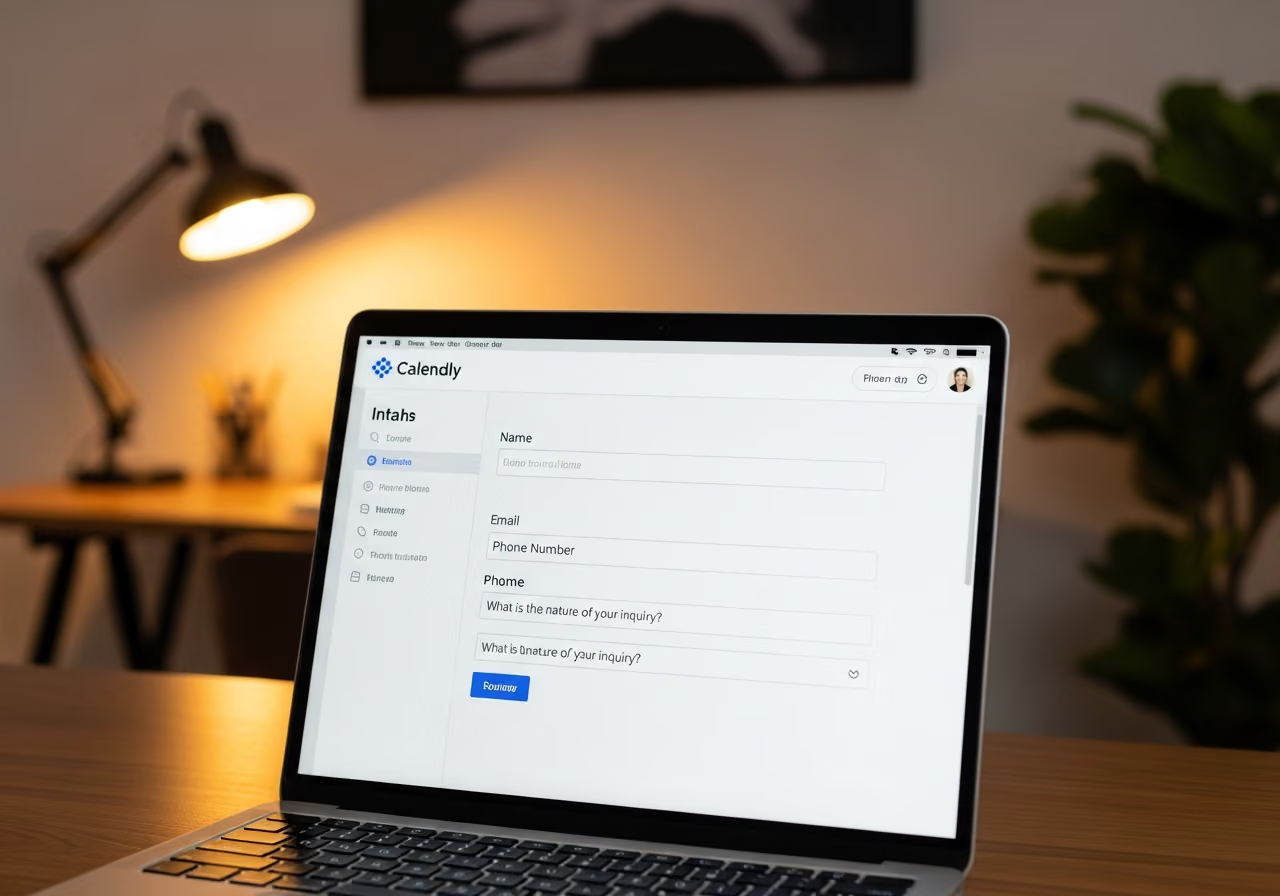
The setup is short. You build your five intake questions on the new-client Calendly booking form, decide where each answer should live on the Mindbody client profile, and match them up once. Then you run one test booking and confirm the provider sees all five answers populated on the profile, and roll it out to every provider.
After that, intake reading before each session drops to about 30 seconds. It is worth deciding the layout thoughtfully with whoever owns the clinic: some answers belong in standard fields, some in custom fields, and categorical answers you want to report on belong in fields built for sorting and filtering. Keep a short reference of which question feeds which field, which makes both provider training and any future audit straightforward.
A Few Situations Worth Knowing
Some Calendly questions only appear depending on a previous answer. If a question was not asked, its field is simply left blank, and you decide whether blank means “not asked” or whether you require an answer at intake.
Multi-select questions, a checkbox list, come through as a clean list of selected options on the client profile, which stays sortable and reportable.
And when a returning client’s answers change, a new medication, for example, the current answers update on the profile while the previous values are kept in the appointment note, so the provider sees the current picture without losing the history.
What This Means for Your Clinic
In this hypothetical example, after intake answers started landing on the client record, provider prep time before each new client dropped by roughly four minutes per appointment. Across 60 weekly consults, that is about four hours a week of provider time recovered. More valuable than the time is the first-session experience: the provider already knows the client’s history when she walks in, and the client feels it.
These numbers are illustrative, but the principle is solid. Your provider’s prep time is the most expensive minute in the clinic. Intake answers should be sitting on the client record, ready, not waiting to be dug out of an inbox.
Want to see CalendarConnect Mindbody to Calendly in action? View the API App page.
Keep reading

The Gap Between "I Paid" and "I'm Booked"
A customer buys a class pack on Shopify, then can't figure out how to book it. Here's how a Mindbody booking widget and ShopConnect close that gap for good.

Mindbody and HighLevel: One Clear Schedule Per Student Across Every Program
If your studio runs beginner programs, longer courses, and private lessons at once, here is how your reminders finally match what each student actually has booked.

Mindbody and Klaviyo: Per-Location Marketing for a 6-Gym Strength Network
A central marketing team sending one blast to every member of a 6-gym network gets the coach name and the gym address wrong half the time.