
Mindbody and Calendly: End the Front-Desk Scramble With Real-Time Booking Sync
Use CalendarConnect's real-time appointment creation to push Calendly consultations into Mindbody the instant they book, with the patient context providers need.

A med spa uses Calendly for new-client consultations because the website team loves the booking widget. The actual appointment lives in Mindbody, where providers have their schedules, rooms, and service lengths. The handoff is manual: someone at the front desk watches Calendly notifications and re-enters each booking into Mindbody.
The result is exactly what you would expect. Two clients book the same slot in Calendly before the front desk catches up, and now you have a double-booking. Providers get surprised by appointments they never knew about. A same-day cancellation in Calendly takes hours to reach Mindbody, and a room sits empty that could have been filled.
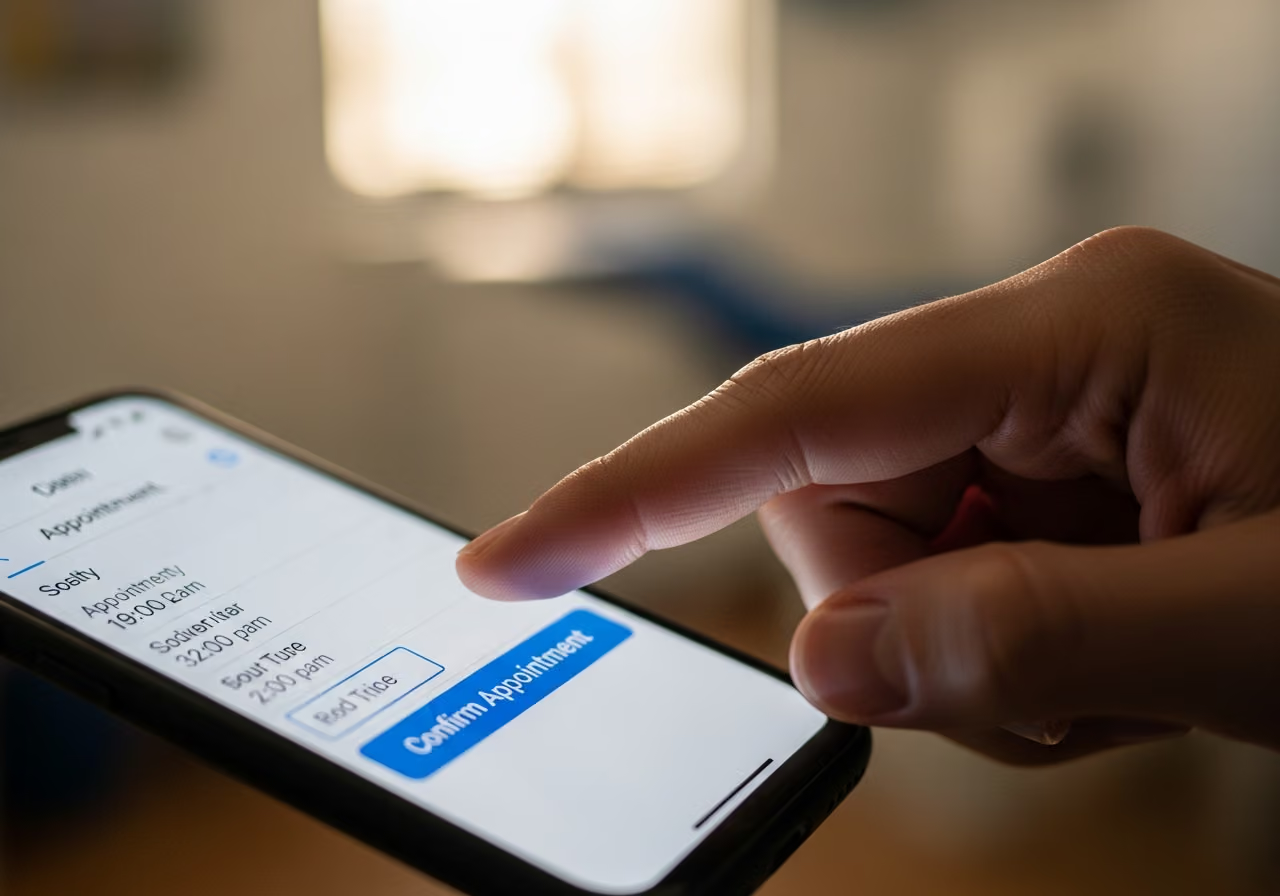
There is a client-facing problem too. Calendly sends its own confirmation. Mindbody sends its own confirmation. The client gets two confirmations for one appointment, sometimes with conflicting details if the front desk edited anything after the fact. The client is left wondering which one is real, and some show up at the wrong time.
What the Manual Handoff Costs You
Making a person re-type every booking from one system into another is slow, and worse, it is unreliable in ways that directly cost you money and goodwill. Every double-booking forces an apologetic phone call and usually a lost client. Every surprised provider loses trust in the schedule. Every cancellation that takes hours to surface is an empty room you could have rebooked. And every duplicate, conflicting confirmation makes you look disorganized to a client who has not even arrived yet.
Rescheduling is where this hurts most. When a client reschedules in Calendly, the old time is cancelled and a new one is created. If those are handled as two unrelated changes, the Mindbody side ends up with a cancellation followed by a brand-new appointment, and the link to the original booking is broken. The notes, the intake answers, the history do not carry over. The provider sees an appointment with no context behind it.
How It Works Instead
CalendarConnect flips the relationship into the right shape. Calendly owns the public booking experience. Mindbody owns the schedule of record. Every Calendly booking becomes a properly-formed Mindbody appointment within seconds, with the correct service, provider, location, and duration. The front desk stops being a re-entry station and goes back to being a front desk.
Reschedules are treated as one clean change. When a client moves their appointment, the original Mindbody appointment is updated in place with the new time, new length, or new provider. The history stays intact. The intake answers stay attached. The provider opens one record, not a cancellation paired with a mystery new booking.
Cancellations are handled in real time. A cancelled slot frees up in Mindbody within seconds, so it can be rebooked while the day is still young. Your cancellation policy is respected too: late cancellations and no-shows get flagged so you can apply your fees, and a client who rebooks within 24 hours can be matched to their original intent. For one appointment none of this matters. For 80 a week it matters a great deal.

What You Set Up
The setup is short. You connect Calendly and Mindbody, match each Calendly booking type to its Mindbody service, provider pool, and location, and turn on instant booking sync so new bookings post within seconds, plus reschedule and cancellation sync so changes flow through without duplicates. From that point, the front desk can close the Calendly tab and treat Mindbody as the single schedule.
Two settings are worth getting right. First, pare back or turn off the Calendly confirmation email so the Mindbody confirmation is the only one the client receives, which ends the dueling-confirmations problem. Second, make sure your provider buffer times, the cleanup time between appointments, are set in Mindbody and respected by the Calendly form, so neither system overbooks a provider.
A Few Situations Worth Knowing
Providers change their availability mid-day all the time. A provider extends her shift or takes the afternoon off, and the Calendly form reflects that immediately, so a client cannot book a time the provider is no longer free.
If a provider calls in sick on short notice, you mark her out in Mindbody, and her Calendly-sourced appointments for the day are cancelled with your chosen message. The freed slots become bookable by a substitute provider if your policy allows it.
And recurring appointments, a standing weekly facial, are best set up in Mindbody directly. Calendly is the right tool for first bookings and one-off appointments. Using each tool for what it does best keeps the whole experience clean.
What This Means for Your Spa
Take a hypothetical example. A single-location med spa with five providers and roughly 80 consultations a week through Calendly. After putting real-time sync in place, double-bookings drop from around four a week to zero. Front desk time spent re-entering bookings drops by roughly six hours a week. Same-day cancellations free up rebookable slots within seconds instead of hours, so empty rooms get filled.
Provider satisfaction improves in a way the owner notices. Providers stop complaining about surprise appointments. The schedule they see in the morning is the schedule they actually run. New providers get up to speed faster, because they only have to learn Mindbody, not Mindbody plus a habit of checking a notification inbox before every shift. The whole operation gets simpler, and a simpler operation is an easier one to grow.
Want to see CalendarConnect Mindbody to Calendly in action? View the API App page.
Keep reading

The Gap Between "I Paid" and "I'm Booked"
A customer buys a class pack on Shopify, then can't figure out how to book it. Here's how a Mindbody booking widget and ShopConnect close that gap for good.

Mindbody and HighLevel: One Clear Schedule Per Student Across Every Program
If your studio runs beginner programs, longer courses, and private lessons at once, here is how your reminders finally match what each student actually has booked.

Mindbody and Klaviyo: Per-Location Marketing for a 6-Gym Strength Network
A central marketing team sending one blast to every member of a 6-gym network gets the coach name and the gym address wrong half the time.