
Mindbody and Zoom: A Zoom Meeting for Every Class, No Manual Setup
How ZoomConnect's automatic Zoom meetings and automated emails kill the pre-class scramble for a single-location yoga studio running virtual classes.

Why the Pre-Class Scramble Quietly Burns Out Your Team
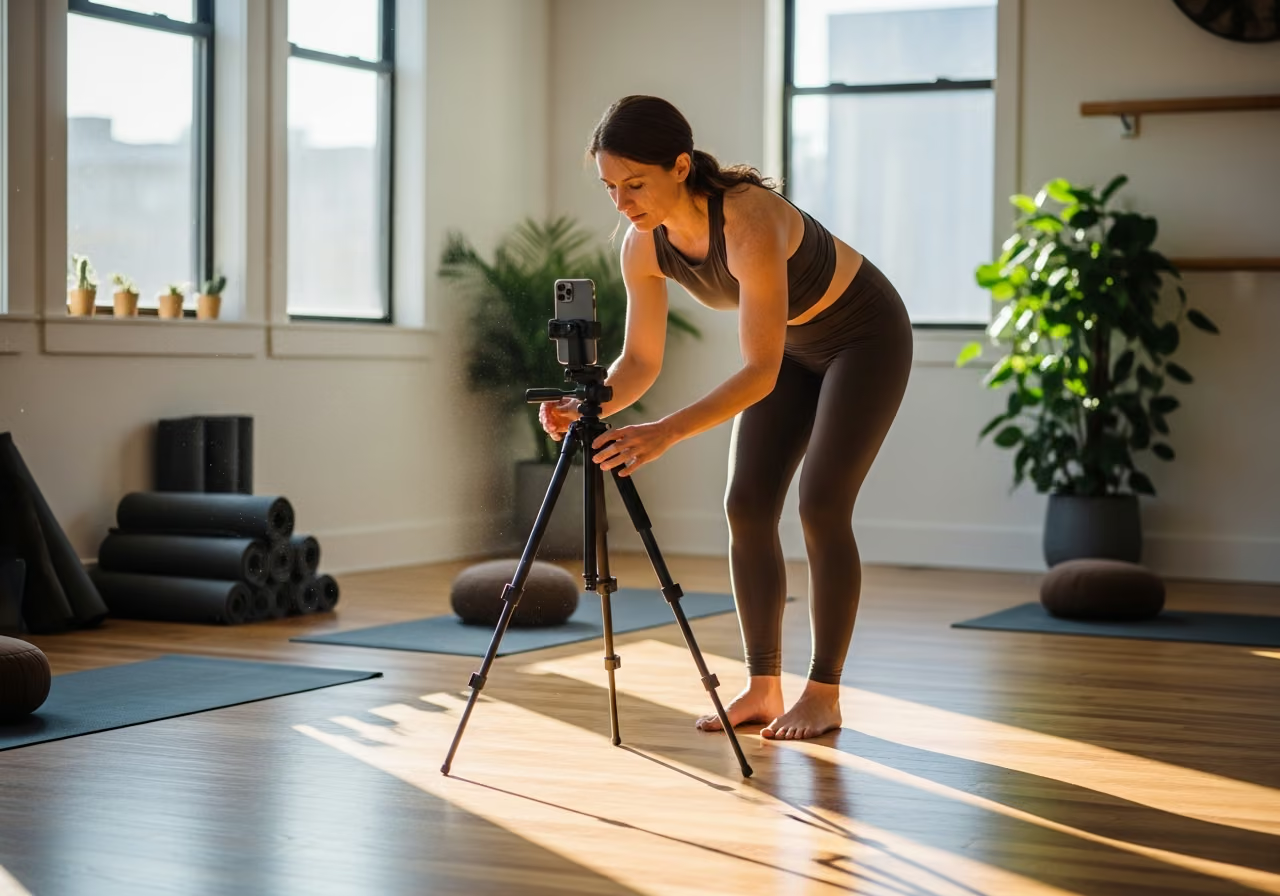
A hybrid yoga studio runs roughly 35 virtual classes a week. Each one needs a Zoom meeting with the right host, the right time, the right class name, and the join link sent to booked clients before class starts. The studio manager spends about ten minutes per class setting all of that up by hand. That is nearly six hours of admin every week, forever, with nothing to show for it but a meeting that should have created itself.
It is also fragile. The manager misses a class on a busy Tuesday morning, the instructor logs in at 6:55am to no meeting, and clients sit waiting for a room that does not exist. That is a refund conversation and a client who wonders whether your virtual program is worth keeping.
There is a quieter cost too. When meetings are created by hand, they get named inconsistently. “Vinyasa 7am” one week, “7am vinyasa flow” the next. Some carry the instructor’s name, some do not. Clients see a messy, improvised pattern in their inbox, and the studio starts to feel scrappy in a way that quietly chips at retention.
What the Manual Process Actually Costs
The visible cost is the six hours a week. The hidden costs are larger.
Every manual step is a chance to forget one. A missed meeting means a class that cannot start on time. A reschedule that did not get carried into Zoom means clients showing up at the wrong link. A last-minute instructor swap means an email that names the wrong person. None of these are dramatic on their own, but they add up to a virtual program that feels unreliable, and unreliable is the reason clients stop booking.
Then there is the timing trap nobody enjoys. Your studio’s local time, the meeting’s time, and the time each client reads their reminder in all have to line up, and they shift twice a year when the clocks change. Get that wrong and clients get reminders an hour early for two weeks straight.
How It Works Once Classes Create Their Own Meetings
ZoomConnect creates the Zoom meeting automatically the moment a class is scheduled in Mindbody. The meeting carries the class name, the instructor as host, and the correct local time. If a class is rescheduled, cancelled, or reassigned to a different instructor, the Zoom meeting follows along on its own.
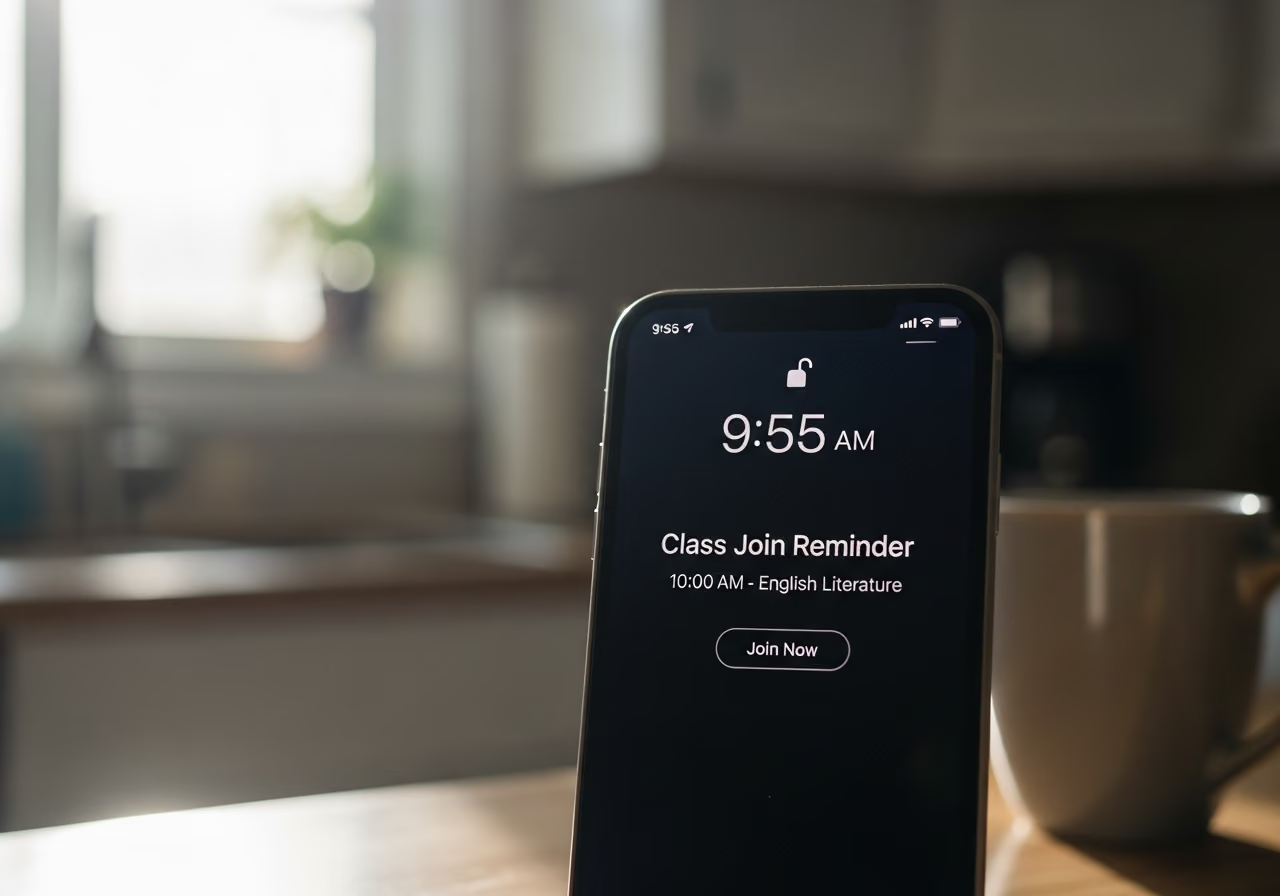
Distribution is handled the same way. Booked clients get the join link on whatever schedule you choose: 24 hours before, an hour before, or both. A client who books at 6:58am for a 7am class still gets their link right away, and so does a client who rebooks after a cancellation. Those last-minute cases are exactly where manual processes fail, and here they just work.
The link emails carry your branding instead of looking like a generic Zoom invite, so what lands in a client’s inbox looks like it came from your studio.
Recordings and Instructor Swaps, Handled
Two recurring headaches disappear with the same setup.
Recordings: many studios record virtual classes for clients who could not attend live. ZoomConnect can grab the recording after class ends, attach it to the class record, and email it to clients who missed the live session. The instructor never touches Zoom after class, and the “I missed it, can I get the recording” emails stop arriving.
Instructor swaps: when an instructor calls out and a class is reassigned to a sub in Mindbody, ZoomConnect updates the meeting host and re-sends the link emails with the correct instructor’s name. The sub does not need to be set up on your Zoom account in advance.
Setting It Up
Getting started is a short, one-time setup:
- Connect Mindbody and Zoom in the ZoomConnect setup. The wizard walks you through it.
- Choose which class types get Zoom links. A hybrid studio marks only its virtual and hybrid classes.
- Set the reminder timing once: 24 hours out, one hour out, plus an immediate send for anyone who books inside the last hour.
- Pick the from-address and branding so the join emails look like your studio.
- Decide what happens when a class is cancelled: remove the Zoom meeting entirely, or keep it in a cancelled state so you have a record. Most studios keep the record.
- Decide on recordings: whether to record virtual classes automatically and send the link to clients who missed the live session.
After that, the studio manager simply stops scheduling Zoom meetings. The 35 weekly classes get their meetings, their links, and their reminders without anyone touching Zoom.
What the Numbers Could Look Like
Consider an illustrative example: a hypothetical single-location hybrid yoga studio with around 220 members running 35 virtual classes a week.
- The studio manager saves roughly 5.5 hours a week, the entire prep block.
- Classes that start with no working Zoom link drop from one or two a month to zero.
- Late-booking attendance ticks up, because the 6:58am booker gets their link right away and actually shows.
A few months on, a retention effect shows up. Virtual no-show rates fall because reminders are consistent and the branded emails feel professional. Clients who used to skip because they “never got the link” lose that excuse. Virtual class fill rates settle into a tighter, more predictable range, which makes scheduling easier and makes instructors feel their virtual classes are worth the effort. These figures are illustrative, not a real customer’s results.
Why This Matters for Your Studio
- Anything your team does the same way every week by hand is a candidate for removal. Six hours a week is 300 hours a year.
- The hard part was never creating one Zoom meeting. It was the lifecycle: reschedules, cancellations, rebookings, last-minute bookers, and clock changes. Automating all of it is what makes the program reliable.
- Branded link emails are not vanity. They are the difference between an email a client trusts and one that lands in junk.
Try It
Curious how this works for your class schedule? View the API App page.
Keep reading

The Gap Between "I Paid" and "I'm Booked"
A customer buys a class pack on Shopify, then can't figure out how to book it. Here's how a Mindbody booking widget and ShopConnect close that gap for good.

Mindbody and HighLevel: One Clear Schedule Per Student Across Every Program
If your studio runs beginner programs, longer courses, and private lessons at once, here is how your reminders finally match what each student actually has booked.

Mindbody and Klaviyo: Per-Location Marketing for a 6-Gym Strength Network
A central marketing team sending one blast to every member of a 6-gym network gets the coach name and the gym address wrong half the time.