
Mindbody and Zoom: Class Reminders in Each Student's Language and Time Zone
Use ZoomConnect's multi-language support and flexible timing controls to make virtual class comms land correctly for a globally distributed aikido dojo.

The Hidden Cost of English-Only Class Emails
An international karate dojo runs virtual classes for students across North America, Europe, and East Asia. The classes are taught in English, but students want to read their reminder emails in their own language. The dojo’s reminders go out in English only, which causes two problems. Japanese students miss them, because they filter English email aggressively. German parents booking for their kids want confirmations in German.
On top of that, the timing is wrong for half the roster. A reminder sent at the dojo’s local time can land on a Tokyo student at 4am, which is no reminder at all.
There is a deeper cost too. An international roster expects an international standard. Sending English-only reminders to a Japanese or Korean student quietly signals that she is welcome to pay but not quite part of the community. Nobody complains about it directly, but that feeling drives people to drift away.

What English-Only, Wrong-Time Reminders Actually Cost
A reminder a student never reads is worse than no reminder, because you believe you told them and they believe you did not. That gap becomes a no-show, an empty mat, and over time a student who quietly stops booking.
The usual workarounds are both bad. Pick one language and you annoy everyone who does not speak it. Build a custom multilingual email setup and you spend more than the international revenue is worth. So most studios send English at the studio’s local time and absorb the lost attendance, never quite connecting the empty seats to the emails nobody could use.
How It Works When Reminders Match the Student
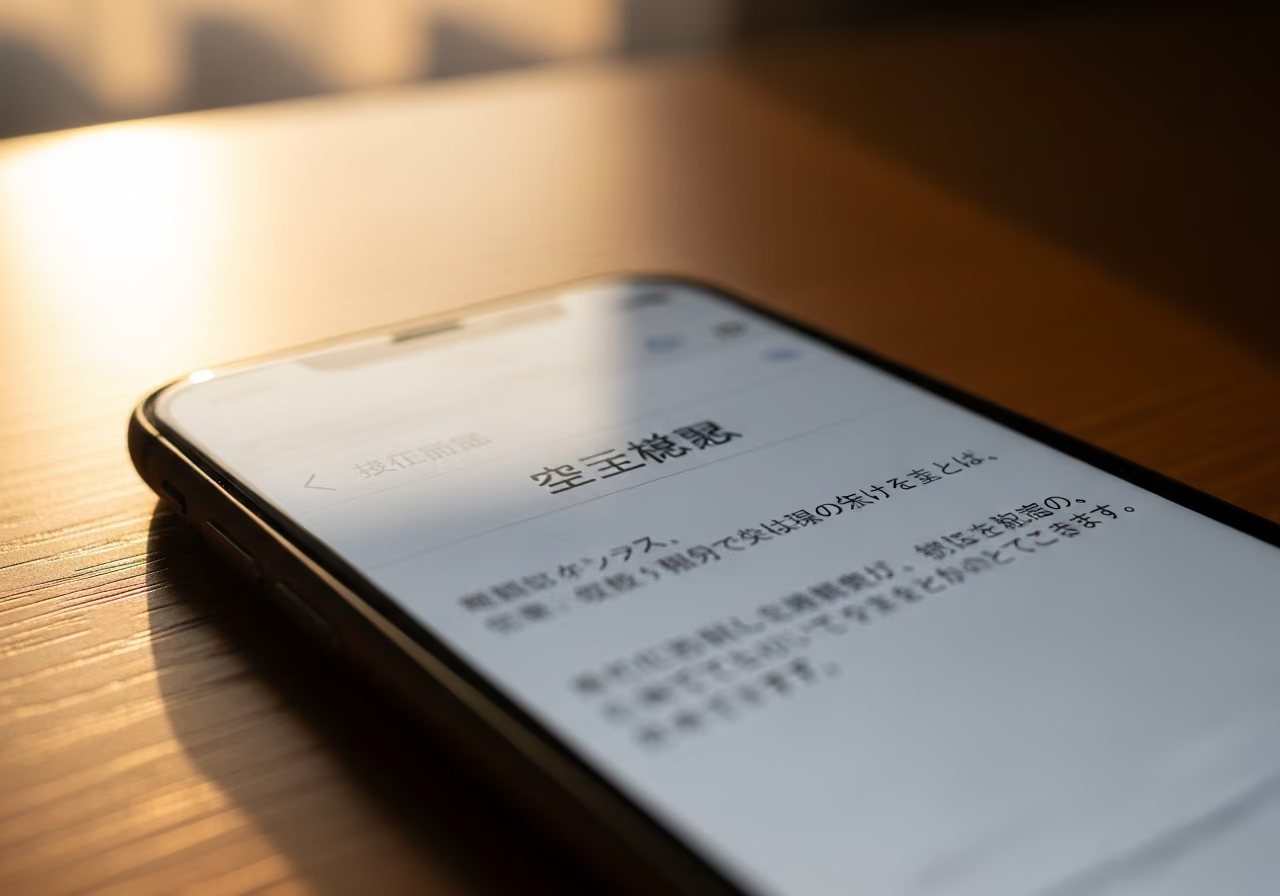
ZoomConnect sends each student their class reminders in their own language, at the right time for their own time zone. The German parent gets a German reminder. The Tokyo student gets a Japanese one. The English-speaking students get English. And a reminder set for 24 hours before class lands 24 hours before class in the student’s local time, not the studio’s.
The translation is done properly. The wording that stays the same from class to class is translated once, by language, ideally reviewed by a native speaker so the tone is right. The details that change, the class name, the instructor, the time, the join link, flow in automatically. Proper names like a class titled “Karate Kata Basics” stay as written, because translating them usually does more harm than good.
The clock handling is built in. Japanese students get reminders on Japan time, which does not shift for daylight saving. North American and European students get reminders that follow their own daylight saving changes, which fall on different dates. You set each student’s language and time zone once, and the system handles every case after that.
Setting It Up
The setup is straightforward:
- Record each student’s preferred language in Mindbody. A custom field works fine.
- In ZoomConnect, set up a reminder template for each language your dojo serves.
- Choose the reminder timing: 24 hours before, an hour before, or both, all in the student’s local time.
- Run a class. An 8pm Tokyo class sends Japanese students a Japanese reminder at the right Japanese local time.
- Translate each template once with a native speaker. Machine translation is a fine first draft, but a native review gets the tone right. Most dojos do this language by language as each group grows.
- Watch open rates by language group. The delivery reports break opens out by language, so a group that underperforms tells you its template needs another look.
A few finer points are handled for you. Right-to-left languages like Arabic and Hebrew render correctly in the recipient’s email. Japanese, Korean, and Chinese characters come through cleanly, and you can send yourself test emails to confirm they look right in the email apps your students actually use. And if you want, you can skip reminders on major holidays in a student’s country, or send a holiday greeting instead.
What the Numbers Could Look Like
Consider an illustrative example: a hypothetical karate dojo with roughly 380 active virtual students across 11 countries.
- Reminder email open rates rise from a roster-wide average of about 38 percent to about 61 percent.
- The Japanese group, where English filtering is harshest, lifts from around 22 percent to around 67 percent, the biggest jump of any group.
- No-show rate falls from roughly 14 percent to about 7 percent.
- International student retention improves noticeably.
Over time there is a referral effect. Students who feel genuinely seen, in their own language and on their own clock, refer friends from their home country. Each group becomes its own small referral engine. The German group grows the German group, the Japanese group grows the Japanese group. None of that happens when the emails feel like an afterthought. These figures are illustrative, not a real customer’s results.
Why This Matters for Your Studio
- For an international roster, email language is not a nicety. It is the difference between an inbox and a spam folder.
- A reminder sent at the right local time is the only kind of reminder that works for students in another time zone. Studio-local timing is a guess that fails half the room.
- Set it up once at the integration layer. This complexity should never land on your instructors’ daily routine.
Try It
Curious how this works for your international students? View the API App page.
Keep reading

The Gap Between "I Paid" and "I'm Booked"
A customer buys a class pack on Shopify, then can't figure out how to book it. Here's how a Mindbody booking widget and ShopConnect close that gap for good.

Mindbody and HighLevel: One Clear Schedule Per Student Across Every Program
If your studio runs beginner programs, longer courses, and private lessons at once, here is how your reminders finally match what each student actually has booked.

Mindbody and Klaviyo: Per-Location Marketing for a 6-Gym Strength Network
A central marketing team sending one blast to every member of a 6-gym network gets the coach name and the gym address wrong half the time.