
Mindbody and Zoom: Stop Shared Links From Draining Class Revenue
How ZoomConnect's secure unique links and one-device access control protect virtual class revenue without making instructors play bouncer.
Why Shared Links Are the Quietest Revenue Leak
A virtual dance studio sells $24 drop-in classes online. Each class has 40 to 60 bookings. The owner notices something off: the Zoom rooms are fuller than the Mindbody bookings say they should be. When she digs in, she finds the join link is being passed around. One paid booking, three people in the room. At the scale of a full schedule, the math is brutal. She is running a charity, not a business.
The first instinct is to lock Zoom down with a password and a waiting room. That works for about a week, until the password lands in a group chat, and then the instructor spends the first ten minutes of class admitting people one by one, accidentally waving the free riders in along with everyone else.
There is a pricing problem hiding underneath. If the room is always fuller than the booking count, the owner cannot make a sound pricing decision. She thinks her $24 class is in high demand, when really $24 is paying for $24 of attendees plus another $12 of free riders. Raising the price feels safe right up until she does it and discovers half her “demand” was non-paying viewers who never had any skin in the game.
What Clumsy Lockdown Attempts Actually Cost
The usual fixes punish the wrong people. A waiting room delays everyone’s start while the instructor plays bouncer. A password read aloud at the top of class leaks instantly. Network-based restrictions break for clients on shared WiFi or traveling. Every one of these makes your paying customers feel like suspects while barely slowing the free riders down.
The deeper cost is that the leak never gets solved, it just gets managed. The instructor keeps door-keeping, the owner keeps guessing at her real numbers, and the free-rider problem stays a low-grade frustration nobody can quite measure. Meanwhile the right answer should be invisible to a paying customer: she clicks her link and she is in.
How It Works With Personal Join Links
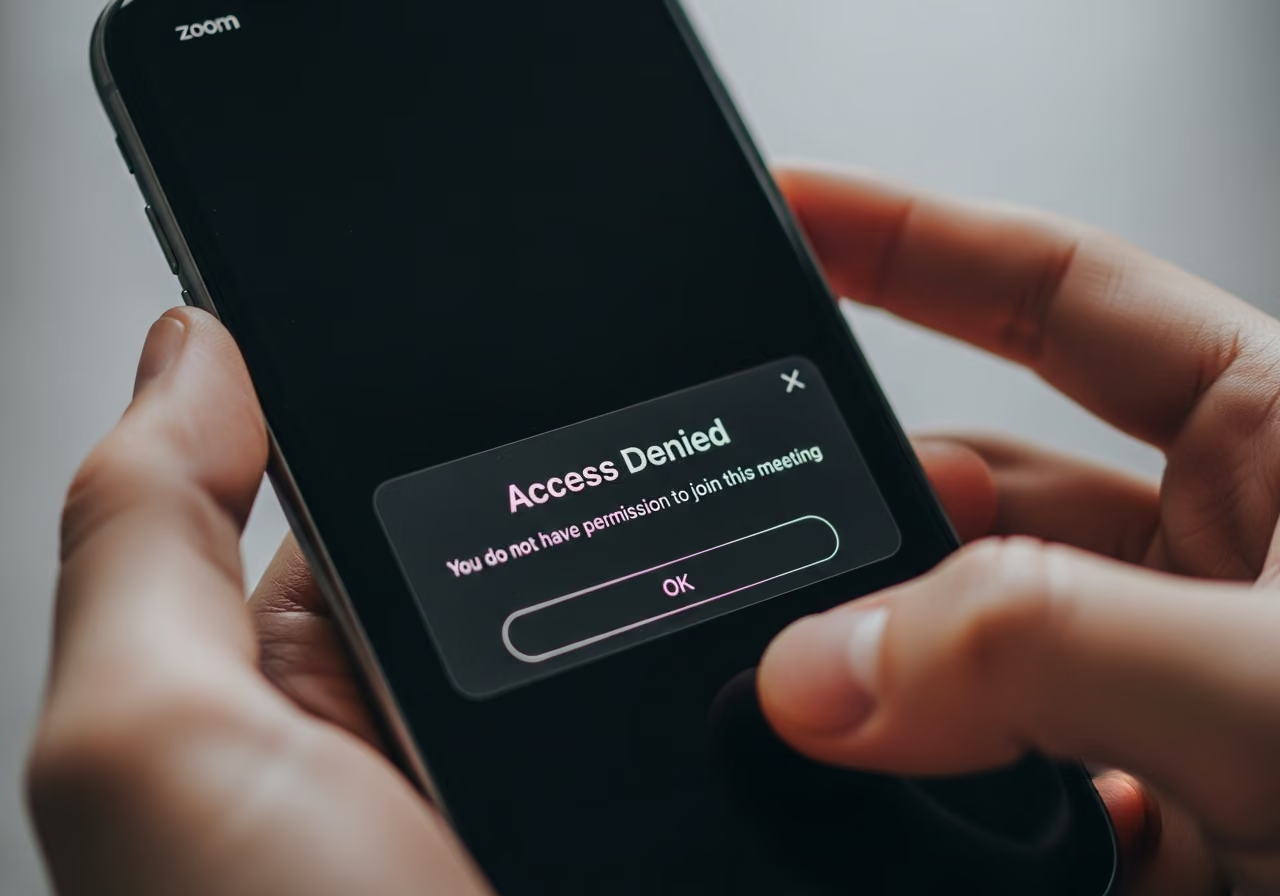
ZoomConnect gives every paid booking its own personal Zoom join link. That link cannot be handed off to someone else, because it locks to the first device that uses it. If a second device tries the same link, it is turned away at the door. The paying client clicks once and is in. The friend she forwarded it to is not.
Last-minute bookers are covered too. Someone who books at 7:58pm for an 8pm class gets her own personal link right away. The instructor never opens a waiting room and never admits anyone. The system handles access so the instructor can just teach.
The one-device rule is smarter than “first click wins.” It allows for honest behavior. A client who joins on her phone during warmup and switches to her laptop for the main set is not locked out, because a short device-switch window is allowed at the start of class. Genuine users are never punished, while link-sharers are still blocked.
You also get real data instead of a vague suspicion. Every blocked attempt is logged: which link, what time, from where. Patterns surface. One link gets shared every single week, probably sitting in a group chat. One location keeps trying multiple links, maybe someone hunting for free content. That information lets you have a quiet word with a sharer, or turn a persistent free rider into a paying customer with a targeted offer.
Setting It Up
The setup is short:
- In ZoomConnect, turn on personal join links for your virtual class types.
- Turn on the one-device rule. By default each link works on one device per class.
- Turn on instant links for last-minute bookings, so the 7:58pm booker gets her link right away.
- Run a class. 47 paid bookings get 47 personal links, 47 devices join, and the headcount matches the booking count.
- Switch on the weekly report of blocked attempts: links shared, devices blocked, where the attempts came from. Use it to decide whether to convert specific sharers or tighten the policy.
- Set expectations up front. A short line in the welcome email, explaining that each link is personal to the booking and works on one device, heads off confusion and support questions.
A few real-world cases are handled gracefully. A client who buys a new phone can self-serve a device reset by confirming “this is my new device,” with a sensible monthly limit to prevent abuse. A client traveling who genuinely needs more than one device can request a temporary exception you approve per booking. And when a free rider’s friend gets blocked and demands a refund, you have a documented policy and a clear log, so it is a calm conversation instead of a guilt-driven refund.
What the Numbers Could Look Like
Consider an illustrative example: a hypothetical virtual dance studio running 14 classes a week, averaging 50 bookings each at $24.
- Before lockdown, link sharing was estimated at roughly 18 percent of true viewership: rooms running fuller than paid bookings.
- After personal one-device links, that leakage falls to under 1 percent.
- Recovered revenue works out to roughly $30,000 a year.
- Instructor time spent door-keeping drops to zero.
For the first time, the owner gets a clean revenue picture. Bookings equal attendees equal revenue. Pricing decisions become rational. Promotion decisions become data-driven. The free-rider problem stops being a nagging frustration and becomes a solved problem that does not need her attention anymore. These figures are illustrative, not a real customer’s results.
Why This Matters for Your Bottom Line
- A link that can be shared will be shared. Plan for it rather than hoping it does not happen.
- Controlling access is the system’s job, not your instructor’s. Move it off the instructor before you blame the customer.
- Last-minute bookers are real revenue. If your setup cannot get a personal link to the 7:58pm booker, you lose her business.
Try It
Curious how this works for your virtual classes? View the API App page.
Keep reading

The Gap Between "I Paid" and "I'm Booked"
A customer buys a class pack on Shopify, then can't figure out how to book it. Here's how a Mindbody booking widget and ShopConnect close that gap for good.

Mindbody and HighLevel: One Clear Schedule Per Student Across Every Program
If your studio runs beginner programs, longer courses, and private lessons at once, here is how your reminders finally match what each student actually has booked.

Mindbody and Klaviyo: Per-Location Marketing for a 6-Gym Strength Network
A central marketing team sending one blast to every member of a 6-gym network gets the coach name and the gym address wrong half the time.